
Modular Structure and Access Permissions
Discover many helpful modules and find out how you can control them.
A Software in Modules
When selecting a tool for your software, many factors influence your final decision. These can include, for example, the degree of self-determination in how the tool is structured, customization options, and ease of entry for new users. Together with our consultants, you can take all relevant topics into account when setting up your projectfacts software and thus create the perfect tool for you.
Modular Composition
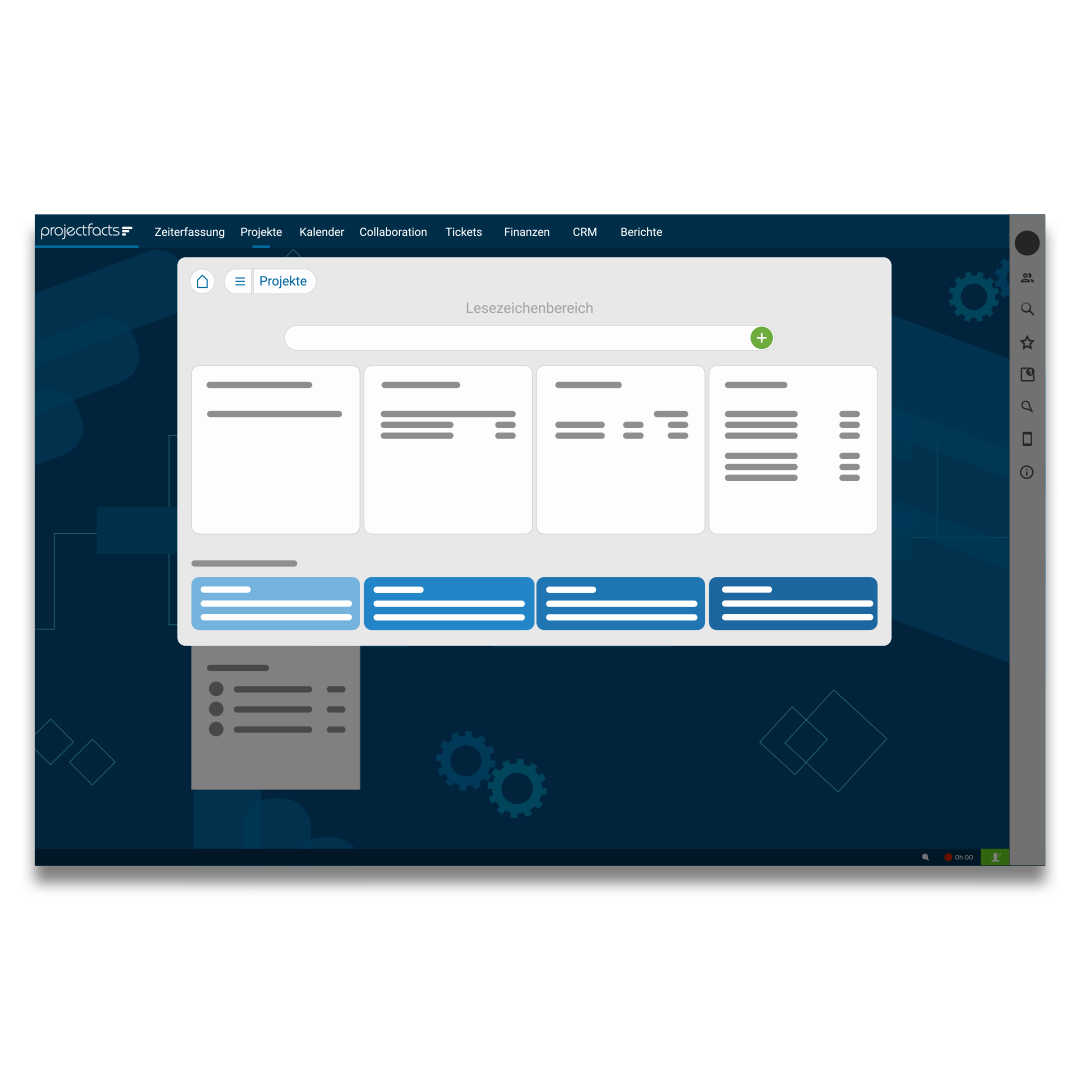
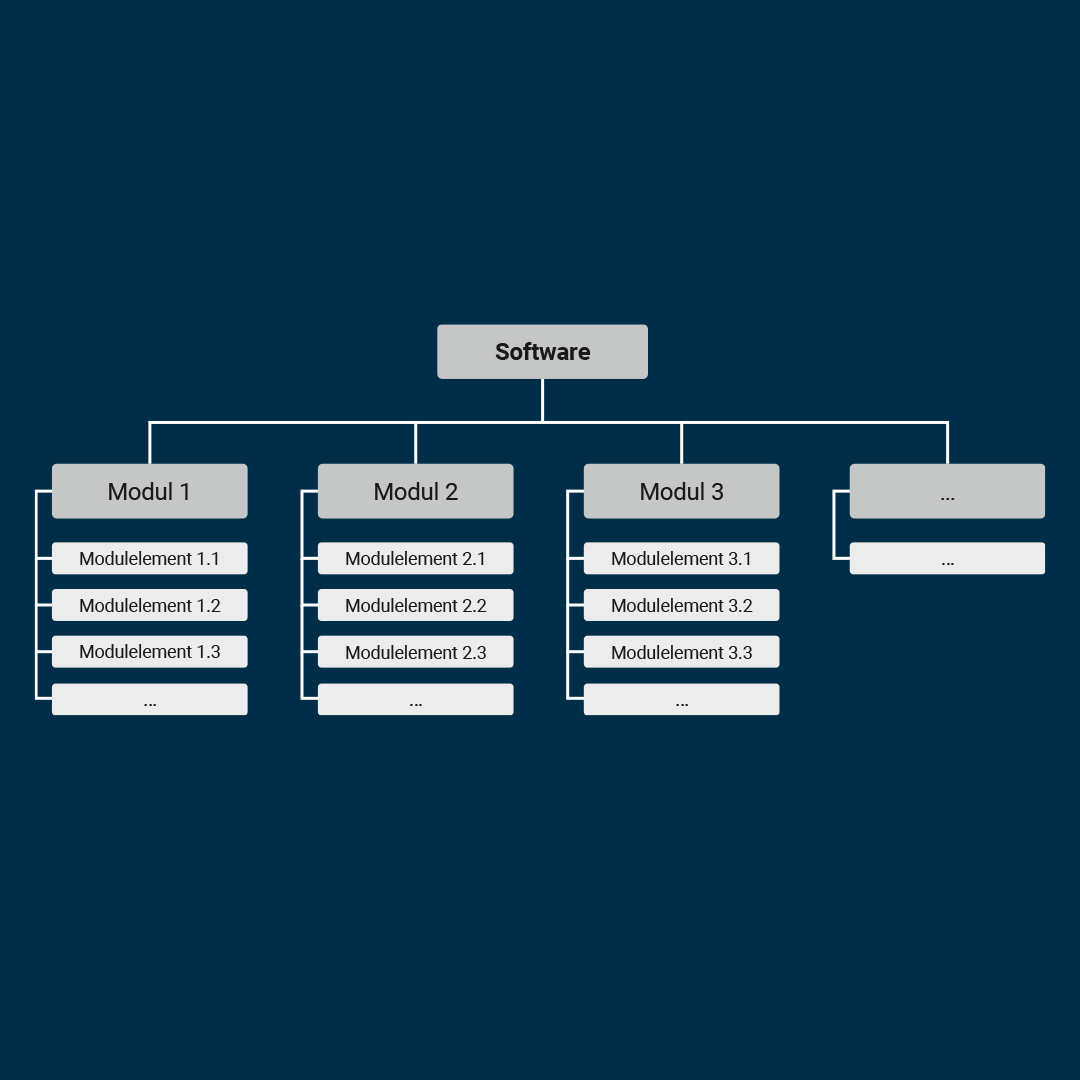
To begin with, it is important to mention that projectfacts is composed of different modules. Even though these differ in content, they are always operated in an identical manner and thus make working with the software easier. Your personal consultant will work with you to increase your understanding of the modules.
Here you can see 2 examples of how different menu bars can look.

Individual Customizations
The most relevant points for customizing the user interface of the software are type, user groups, name, and description. Using these points, you can set the type of menu item, access permissions, the name of the module, and a brief description of the module.
In addition to a menu, the tiles of the menu can also be edited. In this case, the following points are relevant: the parent menu, the associated group, the size of the tiles, and the color.
The order of menu items can be arranged freely via drag & drop. Individual tiles can be assigned to other main menu items by simply dragging them. If you want to connect certain topic areas with each other, you can also create groupings.
So once you have understood the basic principle of the software, nothing will stop you from using your knowledge to configure the perfect tool for you.
Adjust Access Permissions
It is also possible to give different user groups different permission settings. This means that employees at, for example, the management level or in the HR department can have access to many modules, can edit them, and can also, for example, approve vacation requests. Employees at lower administrative levels, on the other hand, can be very restricted in their functions and may only have access to, for example, time tracking or projects.
However, not only the superficial functions can be restricted in this way. Options that change the settings of the tool can also be restricted. This ensures that only people with the appropriate level of knowledge can edit the tool, while still providing your colleagues with all the necessary functions. This type of restriction can help to make it easier for employees to get started with the software. The permission settings can be edited at any time. For assistance with the setup, please feel free to contact your personal consultant or contact us here!