
The collaboration tool for your company
Collaboration, no matter where your team is working from. Always up to date thanks to integrations and file management.
Enquire now



Teamwork with the projectfacts collaboration tool
A collaboration tool is software that brings teamwork together in one central place: from communication through scheduling to shared file management. projectfacts combines these collaboration features as a collaboration platform in a single system.
Good and efficient teamwork is one of the most important foundations for a successful business. Providing the right information in the right place at the right time and promoting a targeted exchange between team members: these are the foundations of good teamwork. The team does not only have to include a company's employees, but can also extend to external service providers, partners and customers.
Advantages of the collaboration tool for your teamwork
Communication
With projectfacts, you have various ways to communicate efficiently within your team. Simply start a chat with a colleague or share content in the forum for individual employees or your entire team. Or you can use the interface to Microsoft Teams. Collaboration at your fingertips.
Task planning
Use the team calendar to structure your employees and your project work. Create any number of appointments and invite internal and external participants. Synchronisation with Outlook and your smartphone runs automatically in the background.
File management
Our collaboration tool also includes complete file management. Upload or download any files to projectfacts. All elements can be shared within the team and edited together. With WebDAV and automatic versioning, you are ready for anything.
Now new at projectfacts
Microsoft Teams integration
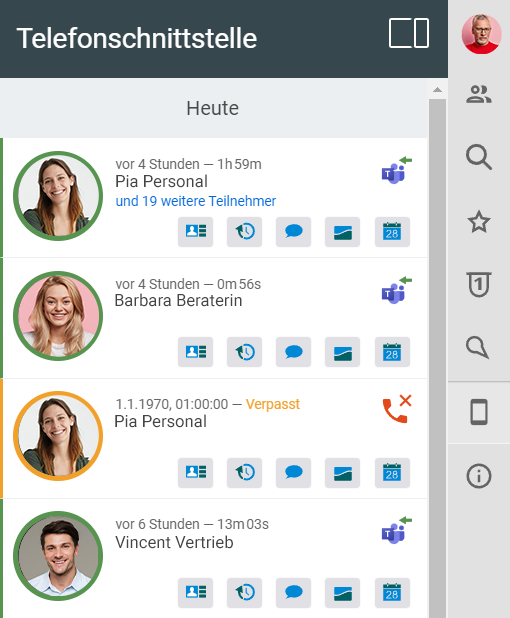
In recent years, Microsoft Teams has established itself as the No. 1 online meeting tool for companies and collaboration. That is why we have integrated it directly into projectfacts. In this way, you benefit from chats and video calls as you are used to from Microsoft Teams and at the same time use the smart business processes in projectfacts.
Create Microsoft Teams appointments directly in the projectfacts calendar. Add internal and external participants to the appointment. Invitations are sent automatically, even if you update the appointment.
If desired, projectfacts automatically keeps a record of your Teams calls, whether voice or video.
- Teams appointments directly from projectfacts
- Documentation of your Teams calls
Real-time communication
Team chat
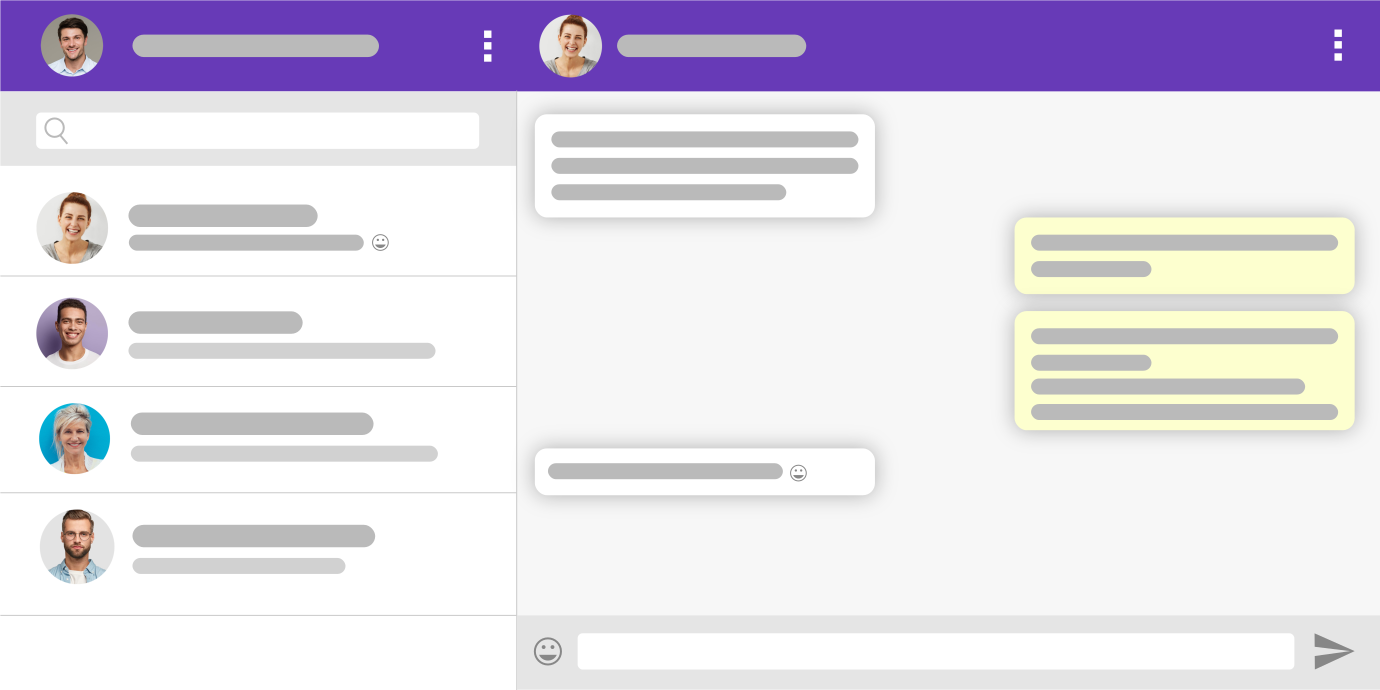
The team chat is available in projectfacts for quick consultations, questions or calls. It allows 1:1 exchanges as well as group conversations. The chat can be used not only in the software, but also on your smartphone.
Special feature: In projectfacts, you can share any elements with team members. This results in countless practical application options:
- Quickly share new customer contacts
- Take a look at project planning as a team
- Exchange information about specific order items
- and much more ...
Plan appointments together
Team calendar
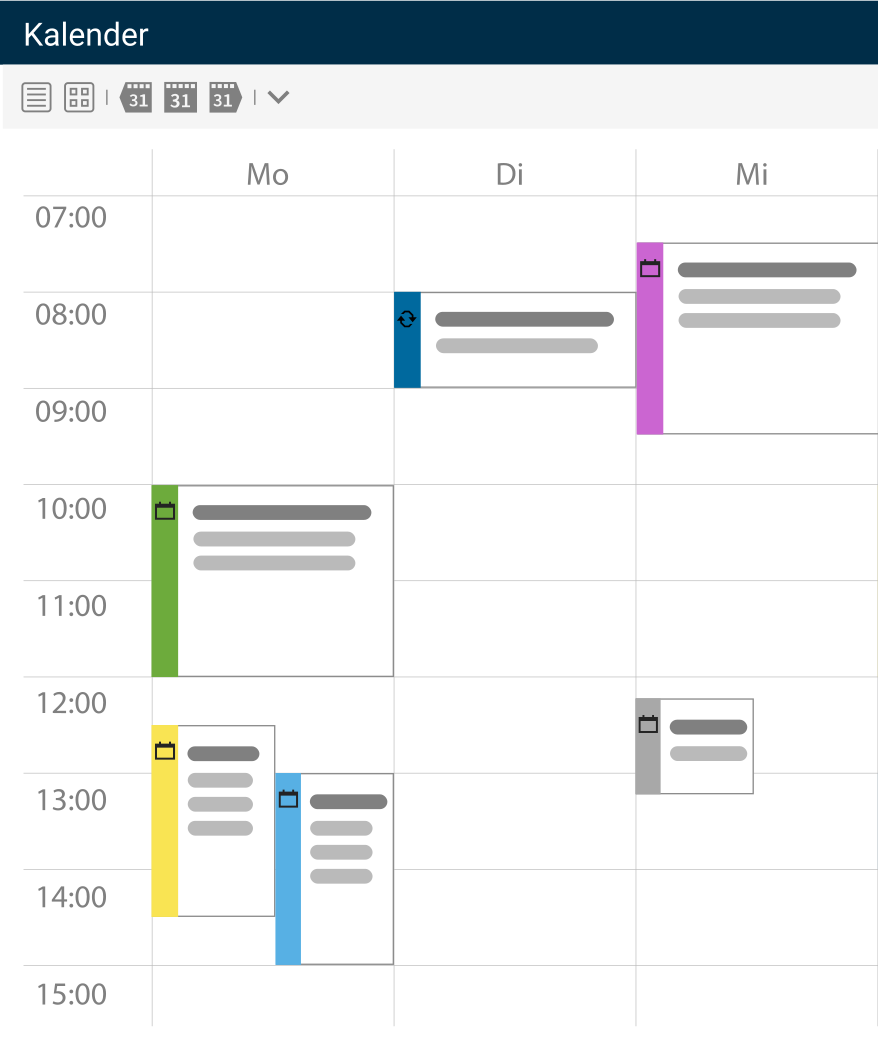
With the projectfacts team calendar, you have found a simple and convenient solution. The calendar offers all the functions you are used to from an online calendar. You don't need to use any additional tools such as Google Calendar or similar. Everything in one system: this basic idea also brings you considerable advantages when scheduling appointments.
The team calendar not only enables joint scheduling, but also provides information on attendance times and resources. You always have your appointments with you wherever you are, even on your smartphone.
- Private and business appointments
- Capacity planning
- Project calendar
- Appointment invitations

Manage files centrally
File management
The projectfacts collaboration tool includes a central file repository that can be accessed online from anywhere and at any time. External access also allows you to connect partners, service providers or customers. Document management also lets you view, comment on and send files directly in the system.
If you wish, you can mirror your entire file directory to a drive via WebDAV. You can then work with projectfacts just as you would with conventional computer directories. User rights can be comprehensively regulated. We are also happy to set up external access for you.
- Central online file storage, accessible anytime and anywhere
- Simply store any files using drag & drop
- Assign documents directly to a project or a document
- Mirror your file directory as a drive via WebDAV
Make your teamwork even more efficient with collaboration tools!
Optimise your internal communication with the collaboration tool from projectfacts. Try it out right away and request a free trial account.
Enquire now
Documenting knowledge
Internal wiki
Knowledge management is an important, albeit often neglected, topic in companies. With the projectfacts wiki, you already have a suitable collaboration tool at hand. A wiki is available for internal documentation, which includes all the functions of its great role model Wikipedia. You can create your own wiki for each project and document important information and processes there, alone or as a team.
Your employees can easily create and categorise wiki pages. Using a search function, you can find exactly the topic you are interested in in no time at all. A table of contents or more complex category systems can also be easily implemented. This allows you to structure the knowledge in your company effectively.
More about the internal wiki
Always up to date
Internal forum
The company forum is available for internal communication and collaboration. You can also create project-related forums and have them moderated by individuals. The ideal tool for the collection of ideas, discussion and targeted exchange. If you wish, you can create your own employee newspaper in the news section, which will also benefit your social media channels. This ensures that your team is always up to date with the latest business news.
- Organise forums thematically or by project
- Forums with moderator function
- News section for the company's internal employee magazine
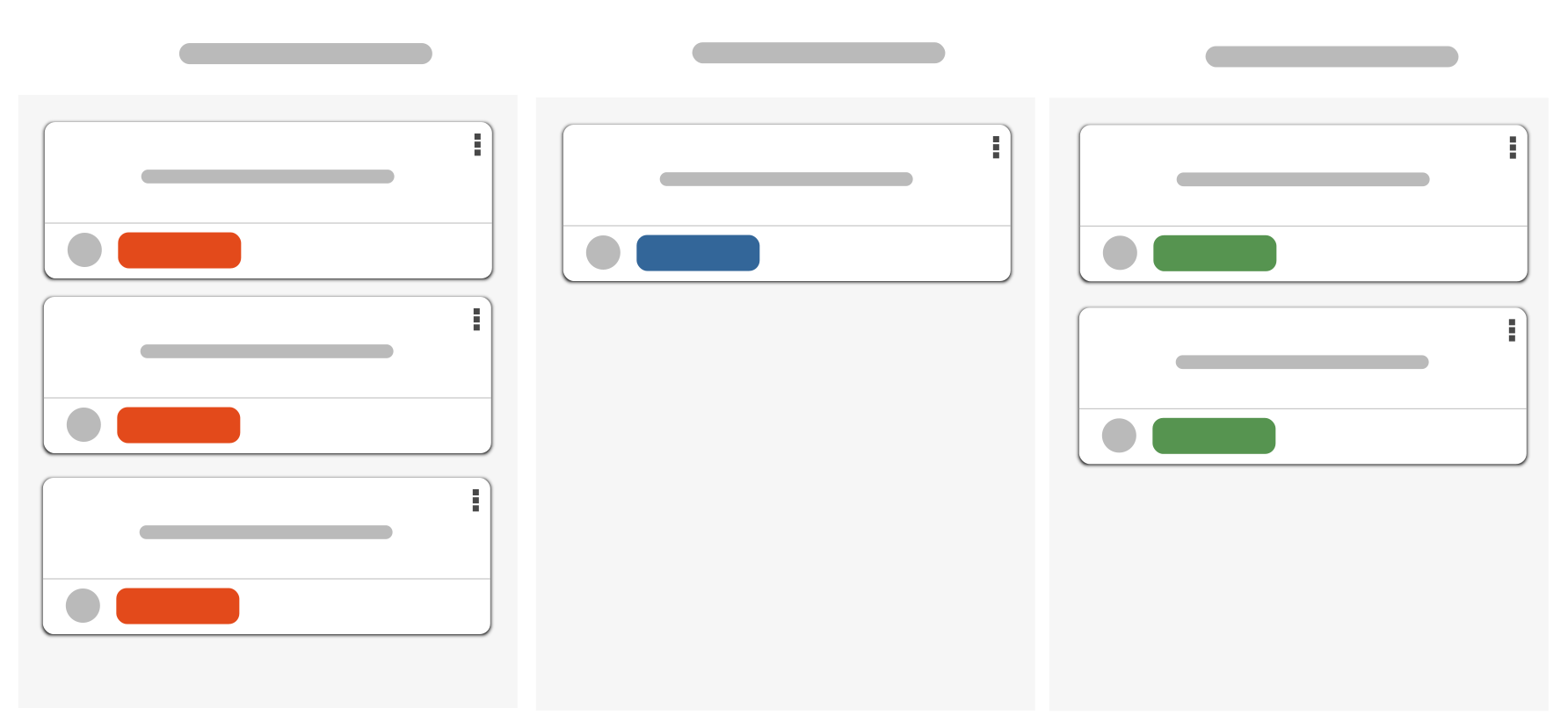
Scrum and Kanban boards
Task management
Sometimes a project is too rigid and time-consuming to manage team tasks. This is when projectfacts collaboration tools for agile working such as Scrum or Kanban boards come into play.
Another option is "open points". They are the digital equivalent of the famous little yellow sticky notes. Just like their analogue counterparts, open points can be filled with any content and shared with colleagues. This makes it easy to record tasks, responsibilities and due dates. Use open points for example for:
- To-dos
- Ideas
- Goals
- Problems
- Notes
Process tasks flexibly, with the projectfacts collaboration tool
Stay agile and work through open points with Scrum and Kanban. Intelligent communication tools support the teamwork and collaboration behind them. Try it out right away!
Enquire nowFurther collaboration functions
- Communication
- Team chat
- Internal wiki
- Task planning
- Internal forum
- File management
- Microsoft Teams interface
- Team calendar