
Software for invoicing your orders
Invoice your orders quickly and easily online. IT companies, consulting firms and many more are already successfully using projectfacts.
Enquire nowThe invoicing software for your order management
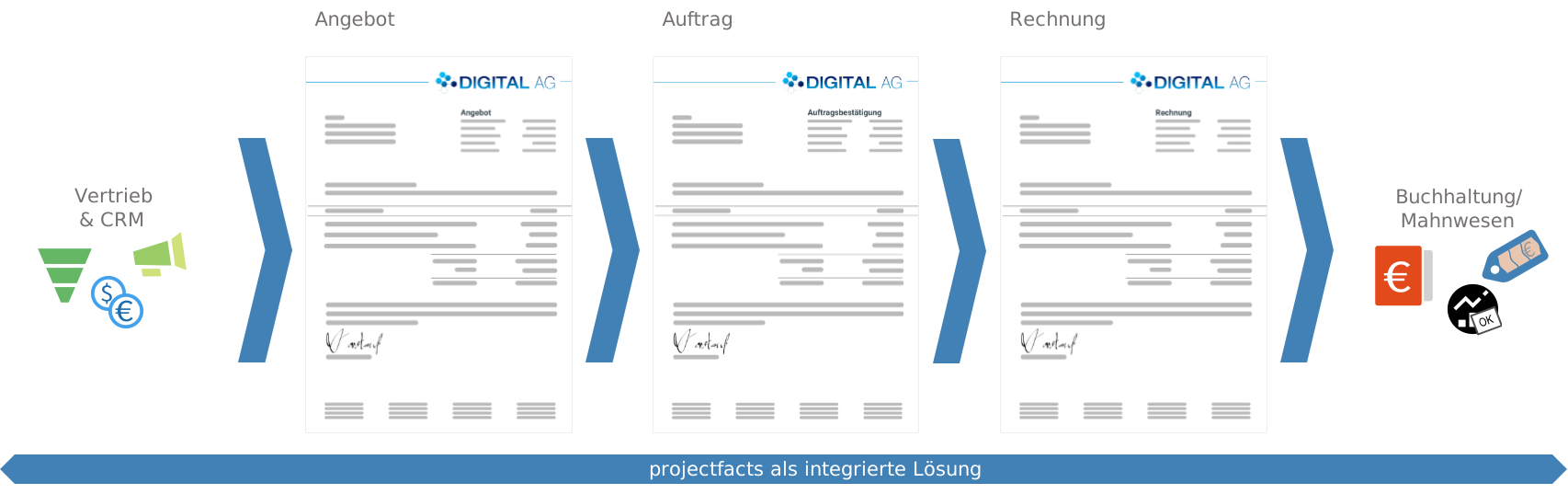
The projectfacts invoicing software maps your entire financial management in one central software. Create quotes, orders and e-invoices. This allows you to map your entire document workflow in just one software. To see how this sequence works together seamlessly, from the enquiry right through to the paid invoice, take a look at end-to-end order processing.
What is invoicing software?
Invoicing software is a program with which businesses create, send and manage their outgoing invoices digitally. A good invoicing solution maps the complete path from the quotation through the order to the paid e-invoice and automates recurring steps of the invoicing process.
The term invoicing refers to commercial billing. You will find a detailed definition in our glossary.
The all-in-one solution for your finances
Manage orders
Manage your orders with projectfacts. From quotations to e-invoices, you benefit from end-to-end workflows that make your day-to-day work easier.
Writing e-invoices
With projectfacts, you can easily receive and send e-invoices. Whether ZUGFeRD or XRechnung, the system generates and reads both formats automatically.
All finances at a glance
You can see open orders and invoices due at a glance. With the help of the controlling module, you also always receive the latest key financial figures on your company's performance.
Who is the invoicing software suitable for?
The projectfacts invoicing program is tailored to service providers who want to map quotation, order and invoice end to end in a single system.
A good fit if
- you want to bring quotations, orders and invoices together in one piece of software
- you create and receive e-invoices in the ZUGFeRD and XRechnung formats
- you bill services by time, effort or fixed price
- you need an automatic, multi-level dunning process for open receivables
Less suitable if
- you are looking solely for a point-of-sale system for bricks-and-mortar retail
- you only want to write a single invoice without end-to-end order processing
Highlights of the invoicing software
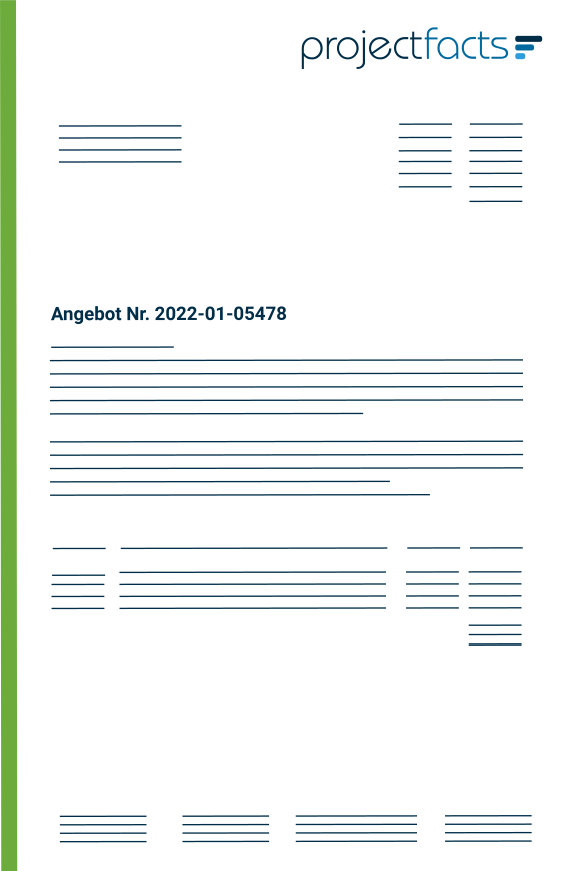
Create offers with one click
Create offers
With our invoicing software, you can create and send your quotations directly online. This saves you valuable time when creating quotations. And you no longer need to worry about layouts or the correct contact details, as our invoicing program automatically takes care of these for you.
- Templates & standard modules
- Price lists and article catalogs
- Billing according to expenditure or fixed price
- Optional or alternative positions
- Discounts & rebates

Which offers do I need to follow up on?
Track and follow up on offers
Quotation tracking in our invoicing software helps you to stay on the ball with all your open sales opportunities. All quotations created are automatically documented so that you always have an overview of which changes were made and when.
This allows you to easily identify which offers are still open and where there is a specific need for action. If you wish, you can set reminders in the CRM module to follow up on open offers.
- Clear documentation of all offers created
- Need for action immediately recognizable with open offers
- More effective use of sales opportunities through resubmissions

Flexible billing of orders
Manage orders
Convert order items into work packages within a project. Employees can book their working times to these. The booked times are in turn the basis for invoicing. Thanks to the intelligent links between project, time recording and invoicing, you retain full control over your orders at all times.
- Keep an eye on orders at all times
- Convert orders into projects and book working hours on them
- Create order invoices on the basis of booked working hours
projectfacts is the software for invoicing your orders.
With the projectfacts invoicing software, you can keep an eye on your finances at all times and everywhere! Benefit from connected process solutions and make your day-to-day work easier.
Enquire now
Digitize your contracts
Manage contracts
Billing for services is often time-consuming, as there are many things to consider. With projectfacts, you can easily manage different types of contracts such as license agreements and support contracts. Digitize your contracts with our online invoicing software and never miss any deadlines or dates again.
- Manage different order types
- Overview of current orders and the billing status
- Individual payment plans and billing rules
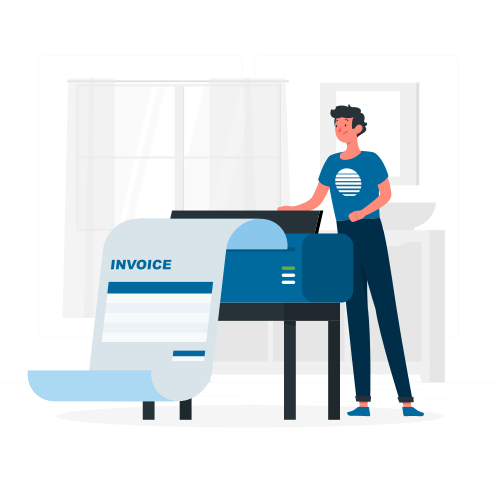
Writing e-invoices – made easy
Writing e-invoices
You can simplify your invoicing process with our invoicing software. The software shows you which items can be invoiced and when. Create individual payment plans and billing models: billing according to project progress, specific times or in percentage discounts.
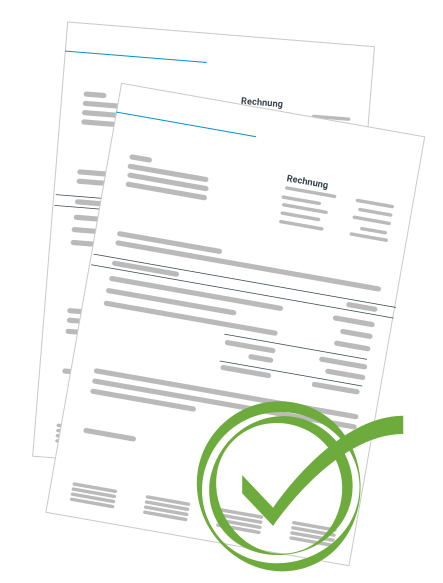
You can create, send and track e-invoices in projectfacts and, if necessary, write reminders. This makes your day-to-day work easier and optimizes your invoicing area.
- Application of different billing rules, daily rates and item types
- Compatible with ZUGFeRD and XRechnung
- Create, send and track invoices completely online
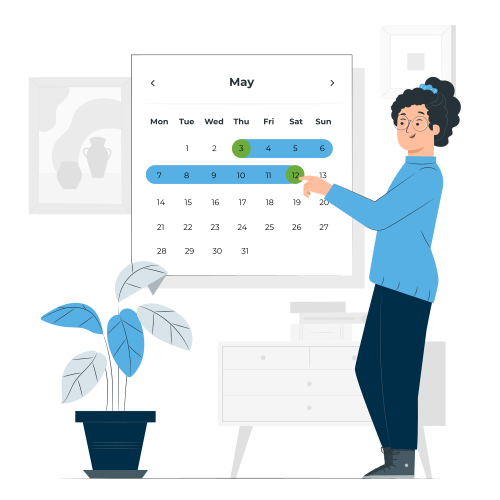
Multi-level, automated dunning process
Manage receivables
In our invoicing software, you can see at a glance which invoices are open, due or overdue. This means you always know which incoming payments you can expect on which date.
projectfacts automatically reminds you when you should start a dunning process and when which dunning level is due. The decisive factor here is the payment target that you have defined within the invoice or with the customer.
- Recognize open, due and overdue invoices at a glance
- Automatic and multi-level dunning process
- Customized templates for payment reminders and dunning letters
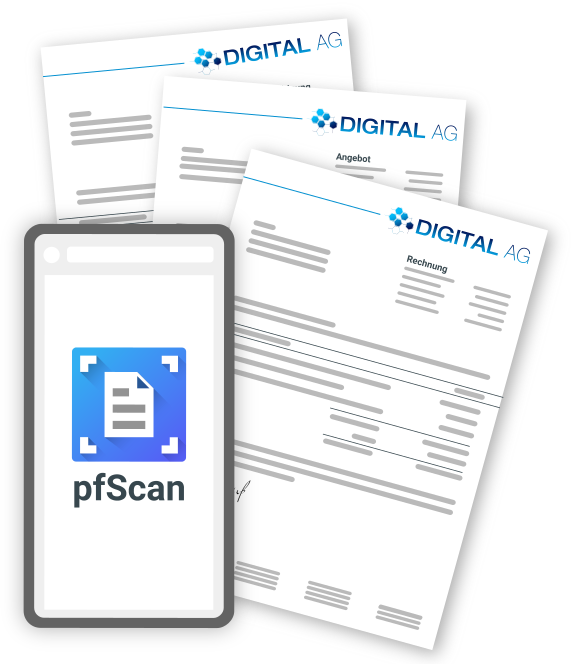
Digitize incoming invoices
Enter incoming invoices
Use projectfacts not only to create outgoing invoices, but also to record incoming invoices. In this way, you can digitize your entire accounting and operate systematic digital cost controlling.
This is particularly easy with incoming e-invoices, as they are read automatically and can be processed directly. For example, you can compare the costs with your project income and automatically calculate your contribution margins.
More about incoming invoicesThe billing process in projectfacts
Read in and reconcile account transactions
Banking interface
Thanks to the automatic bank interface, projectfacts can import your bank's account movements on a daily basis and compare them with your invoices via the purpose of payment. If the software finds a matching invoice, it automatically assigns the payment to the appropriate invoice.
This works for both incoming and outgoing invoices. This saves your accounting department a lot of time and effort every day.
"With projectfacts we map key business processes in one place, from time recording through project organisation to the creation of quotations and invoices. This saves time and minimises friction in our day-to-day business."
 – Alexandra Walkenhorst, Managing Director of text2net
Simple accounting for business trips
Travel expense report
The projectfacts invoicing software offers a fast and digital solution for the entire travel expense report process. From the application to the creation and checking of travel expenses to the settlement of travel expenses, projectfacts covers the entire process.
Different currencies, country-specific meal rates and additional meal expenses can be easily mapped with the projectfacts invoicing program. Thanks to the integrated solution, assignment to projects and billing with customers is also no problem
More about travel expense accounting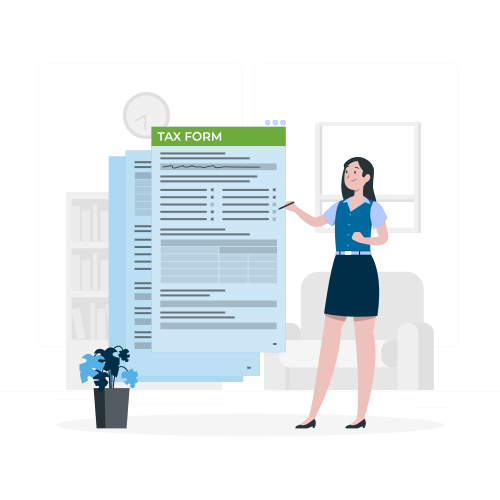
Project controlling in real time
Financial accounting
With the projectfacts invoicing program, you can manage all of your company's finances. By collecting all receipts uniformly in one system, bookkeeping is made noticeably easier. You only need one software for invoices, costs and receipts.
Our DATEV export function allows you to export all relevant invoice data in a standardized form. Invoice date, document number, amount and currency are recorded uniformly in this way. This saves you time and money when filing your tax return. E-invoices, orders, billing, price lists and more are combined in projectfacts.
- All finances in one system and at a glance
- DATEV export simplifies accounting
Test our invoicing software now
Create quotes, order confirmations and invoices quickly and easily online. Use individual payment plans and billing rules and keep an eye on your receivables – all in one system.
Enquire nowFurther functions of the invoicing software
- Partial invoices
- Multilingualism
- Price lists
- Graduated prices
- Own layouts
- Excel interface
- Billing according to time and effort
- Recurring invoices
- Contract management
- Any currencies
- Dunning
- License statements
- Different VAT rates
- Printing with and without stationery
- Print, check and send