
The New Outlook Add-In: More Than Just an Update
Use the new, improved Outlook Add-In to create tickets directly in the system from your mail application! Try it now!
New and Improved
The add-in for Microsoft Outlook has received an update. It now operates under the name teamspace and is an upgrade compared to the previous add-in. Existing features have been improved and new features have been added! All tickets previously transferred will be migrated to the new add-in and will remain available to you in Outlook.
Upgrading from the projectfacts Add-In to the teamspace Add-In
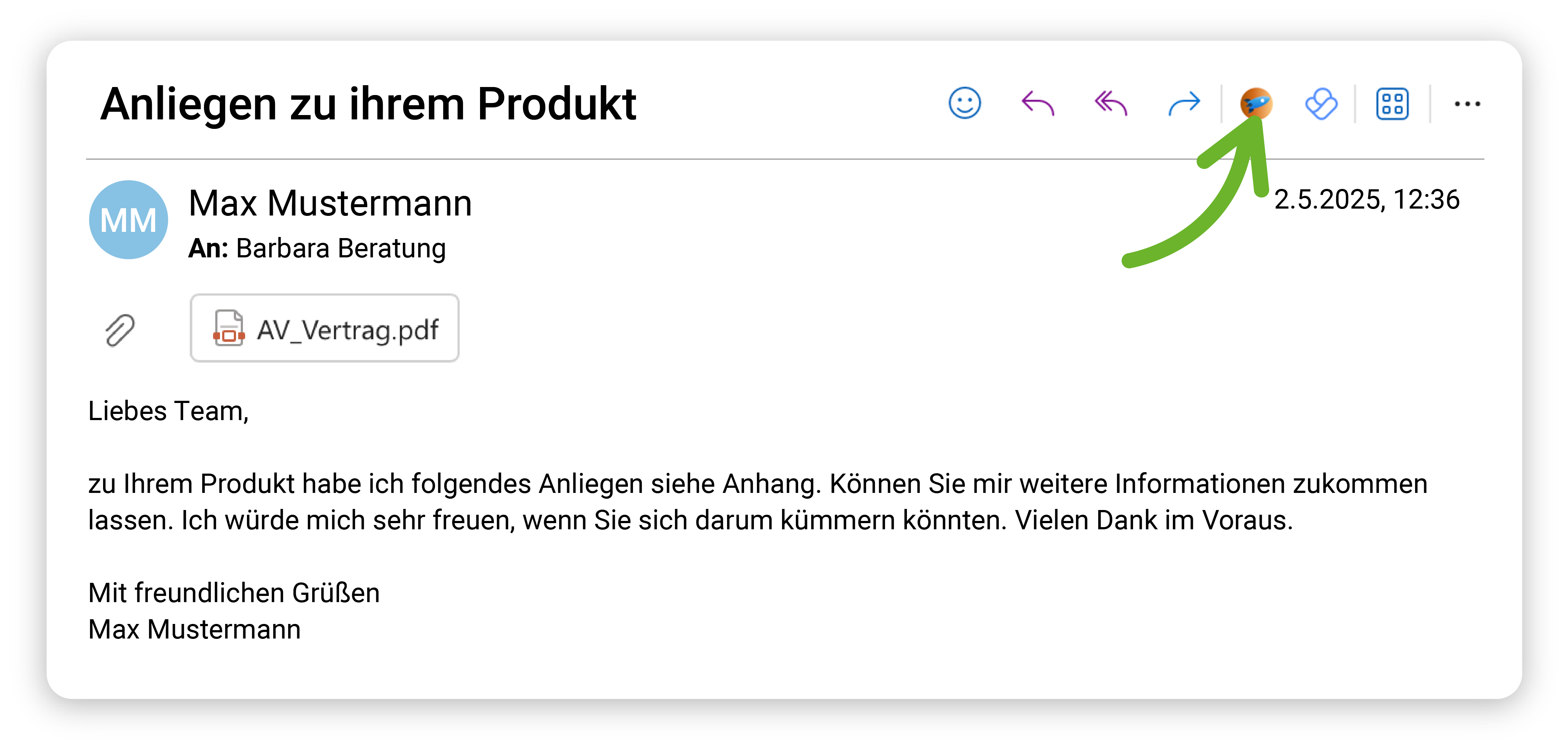
The teamspace add-in works with both a projectfacts and a teamspace host system. Since certain functionalities of the projectfacts add-in are being discontinued by Microsoft in the near future, it is necessary to switch to the teamspace add-in. The best way to make this switch is as follows:
1. Remove all saved user data for the projectfacts add-in from your browser by opening the settings dialog of the
add-in and clicking the "Sign out" button twice.2. You can then remove the projectfacts add-in and add the teamspace add-in via AppSource in Outlook.
3. Finally, you simply need to sign in to the teamspace add-in. You can sign in either with your teamspace or
projectfacts credentials, or use a device password. The latter is mandatory when two-factor authentication is enabled.It is worth noting that the teamspace add-in can display information about tickets that were already imported via the projectfacts add-in. You will therefore not lose any tickets or information in your Outlook when making the switch.
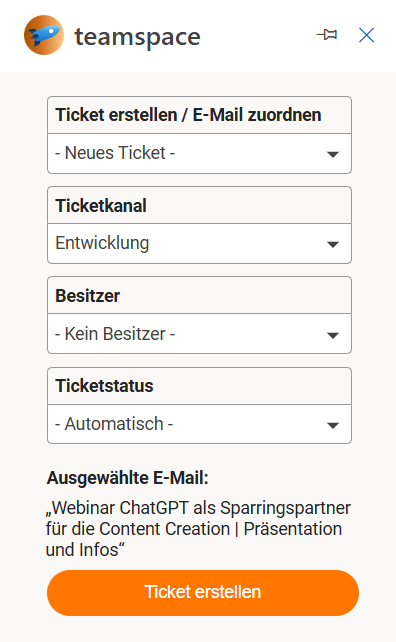
In addition to a number of improvements to existing add-in functionality, many new features have also been added! Here is a summary of all the highlights at a glance:
- Add emails from Outlook to existing tickets as a transaction
- Now also works in shared mailboxes and shared folders
- Send larger attachments
- Clearer channel display
- Freely choose ticket owner Emails can now be imported into an existing ticket. The ticket channel, ticket status, and ticket owner are taken from the current transaction.
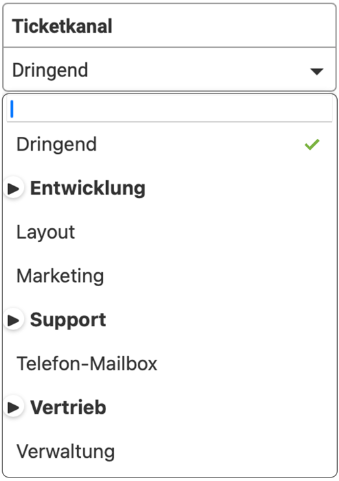
The selection of ticket channels is more accessible, as the channels are now displayed in a tree structure. When a new ticket is created, the owner of the ticket can be determined based on the selected ticket channel. This also makes the assignment of the processor clearer.
Improved Ticket Dialogs
The ticket settings dialog provides more self-explanatory hints to help prevent errors when creating tickets. When you sign out of the add-in, the device used for this is removed from the user environment so that your list of devices does not become unnecessarily long. In addition, the new version of the add-in can be used in shared mailboxes when the correct requirement set is available. Last but not least, the visual presentation of the add-in has also been revised!
Bug Fixes for the Outlook Add-In
In addition to functional improvements, the update also includes a number of bug fixes. For example, clicking on the ticket tile will now redirect you back to the ticket again, as long as a valid session exists.
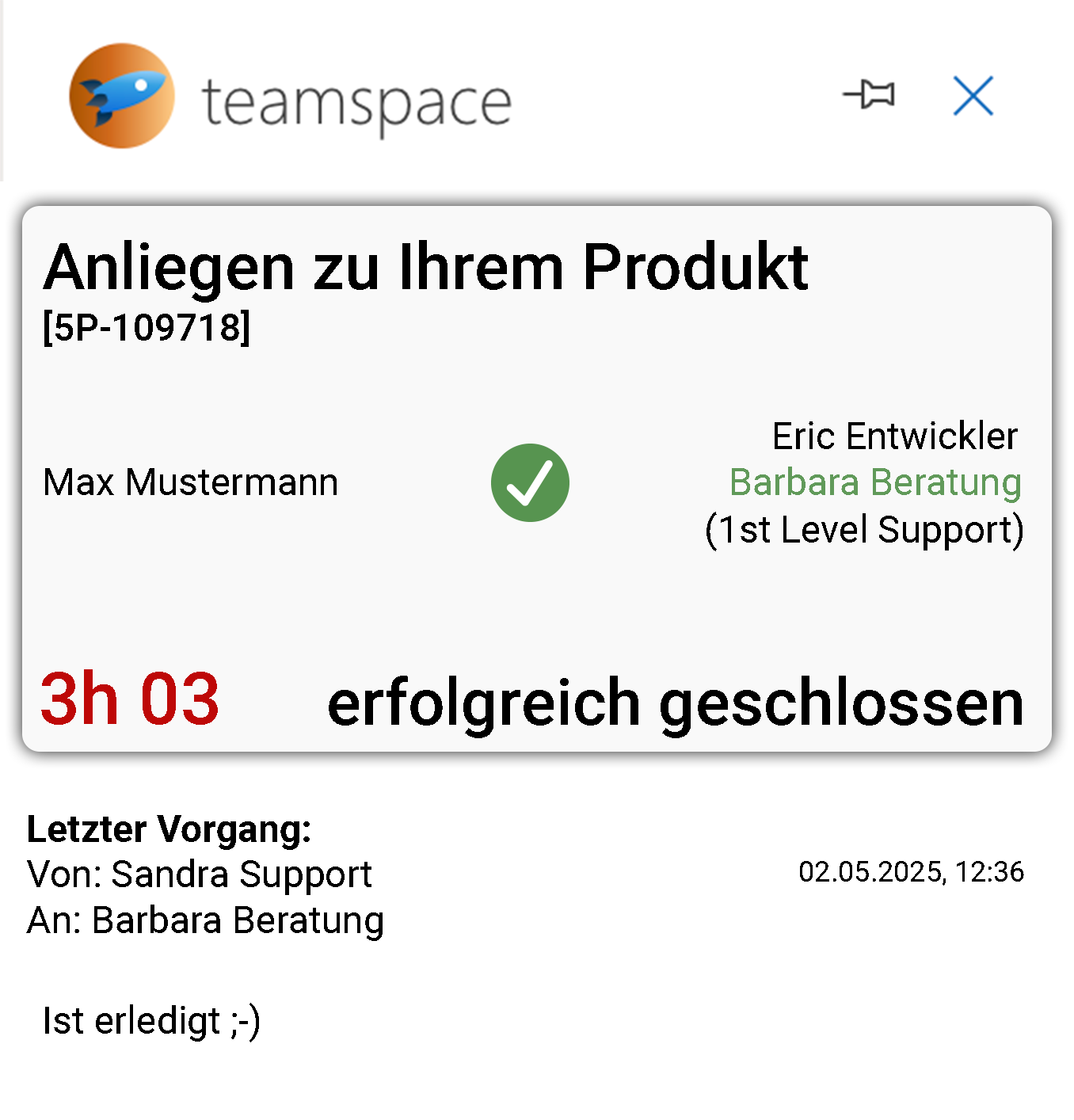
Thanks to an adjustment that improves the sending of attachments, you can now send larger attachments. To display your ticket channels more clearly, deactivated ticket channels are now hidden. Another improvement to clarity: the ticket tile now shows the responsibility for the ticket.
The basic requirements for using the new add-in are the same as for the previous projectfacts add-in; additionally, you need at least host version 2024.4.36 (which can be found under the info icon in the sidebar) and a minimum API requirement set of 1.5 from your mailbox. To use shared folders, requirement set 1.8 is needed, and for shared mailboxes, requirement set 1.13.
You can find out how to integrate the new Outlook add-in and avoid common errors in our Help Center article.