SEPA Direct Debit Mandates in projectfacts
Settle invoices easily and conveniently from within the system using the SEPA direct debit mandate.
The SEPA direct debit mandate is a common practice for paying outstanding invoices. By granting you a direct debit mandate, customers authorize their bank to debit the invoice amount directly from their bank account. The mandate can be issued either in paper form or electronically.
The system now helps you with this. Manage your mandates from within the software and export direct debits to your bank. This saves you a great deal of time and effort, as you no longer need to create and maintain direct debit mandates separately at your bank.
Creating direct debit mandates
To be able to use the feature in your system, you must first activate the permissions for direct debit mandates in your user groups. The corresponding user group can be found as usual in the configuration. So that the mandate can be issued for the correct account, you must enter the creditor ID in the CRM master data of your own company. If you do not yet have a creditor ID, you must first apply for one at your bank.
Once you have made the relevant settings, you can now create the direct debit mandate for your customer. Mandates can be created either from the configuration or directly from the order, storing all important information in the process.
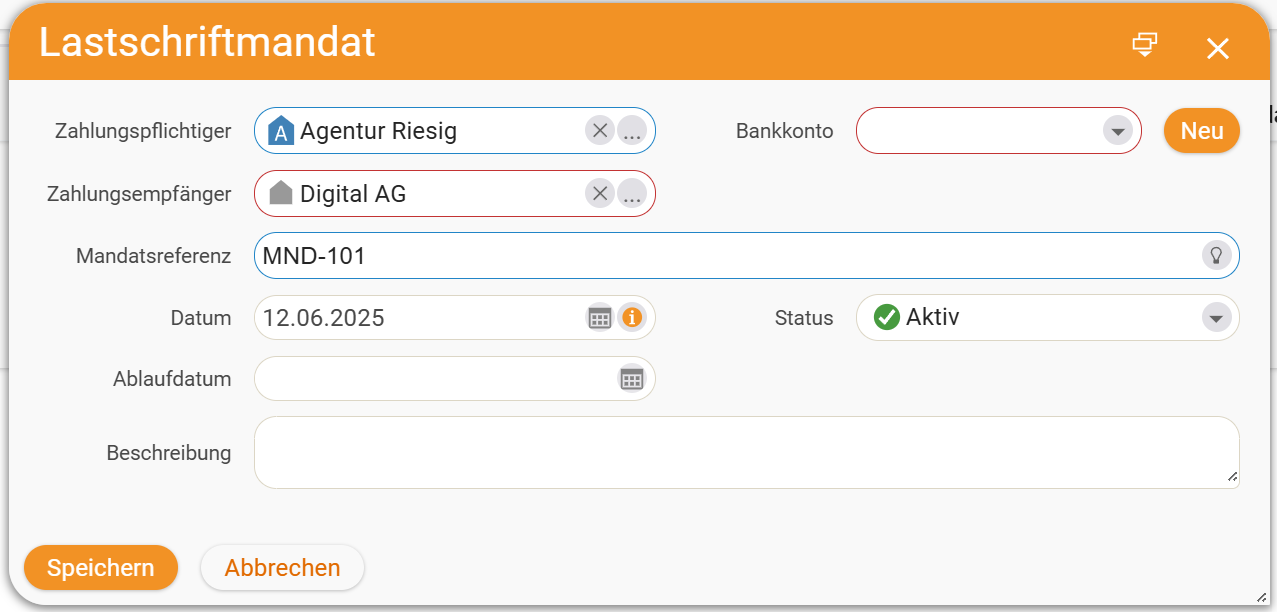
Do not forget to select the relevant bank account and the payee. If either of these does not yet exist in your system, you can create them directly from the form.
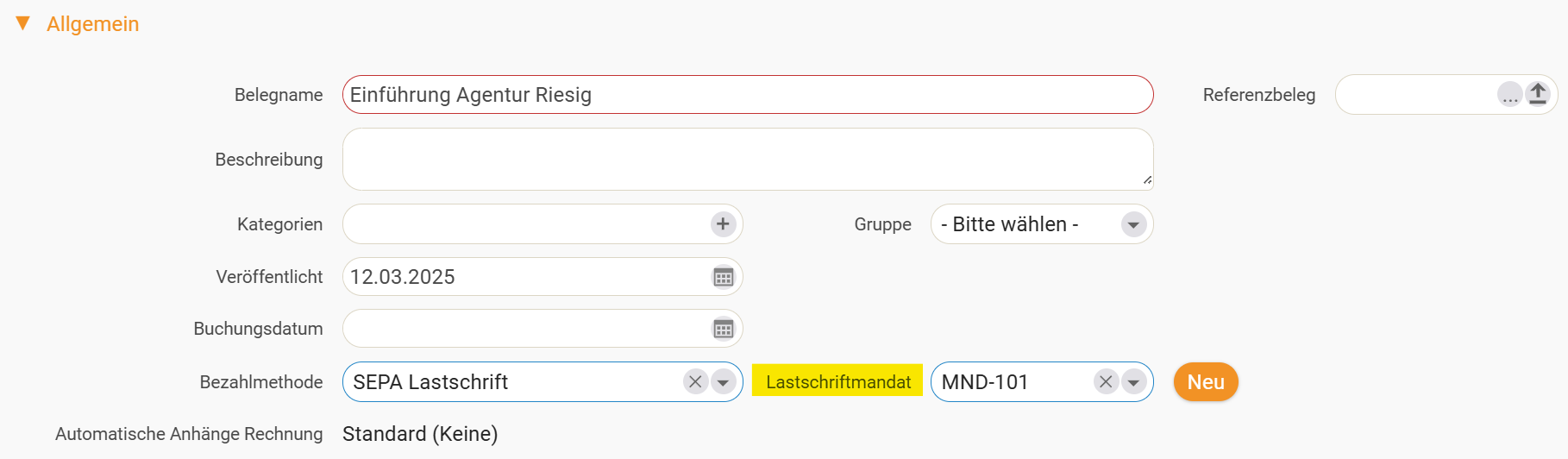
As already mentioned, you can store direct debit mandates directly in the specific invoice or even in the order. Once you have created a direct debit mandate, you can add it as a payment method to documents for that customer.
Exporting direct debits for the bank
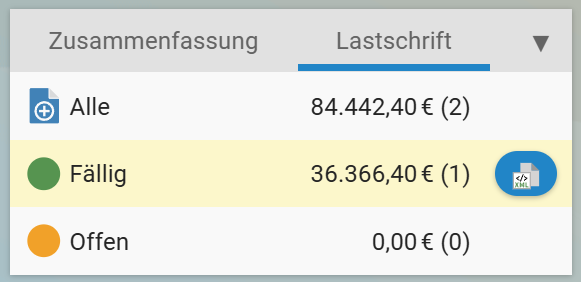
As soon as there are due invoices in the software for which you have set SEPA direct debit as the payment method, you will be notified with a button that displays the direct debit run in the invoice management list.
With a single click you can select the period in which you want to export your invoices to your bank. The result that is exported is an XML file of your invoices in a standardized format, which can then be uploaded to the relevant bank. Once your bank has received the export, it executes the respective mandate and collects the specified amounts.
If you have any further questions on the topic, please feel free to contact us here!