
Our Teamwork Tool for Your Company
Discover the projectfacts teamwork tool for the digital collaboration of tomorrow. Use chat, forum, wiki, Scrum and Kanban boards and much more.
A Team Calendar for Every Occasion
Few things are as frustrating as lengthy scheduling within a team. With the projectfacts teamwork tool, we have created a simple solution for this that requires no additional tools such as Google Calendar or similar.
True to the motto “Everything in one system,” this also applies — thanks to the projectfacts team calendar — to the appointments of your colleagues. Of course, the calendar is perfectly suited for home office and distributed working, as it offers all the features you would expect from a fully featured online calendar.
Access it at any time and from anywhere. All you need is a working internet connection. You can create new appointments and invite team members in no time via the projectfacts web interface.
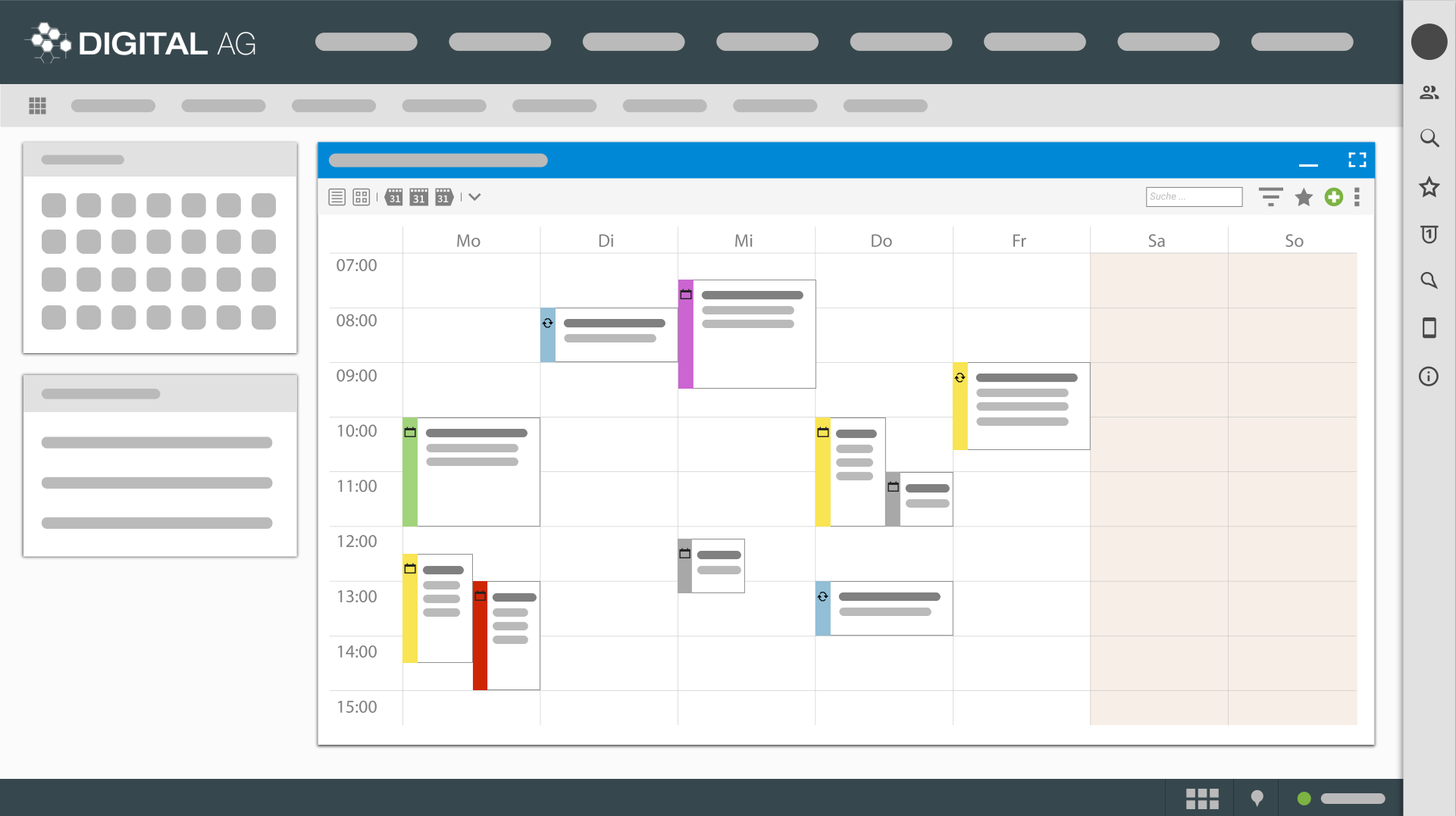
The true strength of the projectfacts team calendar goes much further than that. Thanks to the integrated approach within the system, you benefit from a whole range of additional advantages of the projectfacts teamwork tool:
-
Have current project phases or important project events such as milestones automatically displayed in the calendar.
-
Send appointment invitations not only internally, but also to external partners and customers.
-
Absence times (due to home office, external appointments, illness, or vacation) are automatically transferred to the calendar.
-
Combine private and professional calendars and restrict appointment visibility individually.
Share and Communicate via Team Chat
There are many chat tools on the market — some are good, some less so. With projectfacts, you have a comprehensive chat function built right in. No more switching back and forth between applications. No more lengthy searches for a particular piece of information that got lost somewhere in another tool.
At projectfacts, we think in terms of processes — and digitize the entire workflow. If you have a comprehensive support operation, for example, all team communication can also be handled through our ticket system. Everything is documented in one central place for you, including emails, phone calls, and exchanged files.
For purely internal team communication, you can use the projectfacts team chat. This makes informal exchange simple and effective, even if your team works thousands of kilometers away. You can create any number of groups — for individual locations, departments, or the entire company. It is easy to use on a PC or smartphone.
Thanks to the integration with the entire system, you can share any elements within the software. These include, among others:
-
Tickets
-
Quotes
-
Invoices
-
Wiki entries
-
and much more
Thanks to the integrated file management, you can avoid the back-and-forth sending of PDFs that are no longer editable. Simply share the desired projectfacts element in your chat instead. That’s how easy teamwork can be.
Your Digital Filing Cabinet on the Go
Incoming documents can be easily uploaded via drag & drop. Alternatively, you can photograph them using the pfScan app. The text recognition then does the rest. Thanks to versioning and central file management, all documents remain up to date and centrally accessible.
If desired, you can also transfer your file structure from projectfacts to a drive. You can then access it as usual via Windows Explorer or macOS Finder. WebDAV makes it possible.
Using a comprehensive permissions system, you can define exactly which employees can view and edit which files. You can even manage documents together with your customers and partners. We are happy to set up an external access for you.
Internal Forum for Teamwork
When your team works in a distributed manner, the online forum serves as a kind of equivalent to the water cooler or the coffee kitchen. By allowing your employees to exchange ideas in groups, the internal forum promotes teamwork and informal knowledge transfer.
You can freely choose the structure of the forum, whether by topic or department. Any number of virtual spaces can be set up, which can in turn be freely filled with posts. A comprehensive permissions system ensures that your employees have exactly the access they need.
Many additional features make the projectfacts forum a powerful collaboration tool:
- Public and protected forums with moderator function
- Public, secret, and anonymous polls
- Subscription, archive, and observer function as well as notifications
- Smart icons, images, and file attachments
Hey, hey Wiki – Always the Right Idea
Just like the cult TV series “Vicky,” the projectfacts wiki always has the right idea ready for you. You don’t even need to switch to the corresponding module. Simply type your search term into the central search field and find what you are looking for, whether the information is in a forum or in the wiki.
Thanks to intelligent cross-references, wiki entries are always found in the right place. A quantum leap for digital teamwork compared to traditional intranet solutions.
The projectfacts wiki has all the features you know from the great role model Wikipedia. An intuitive text editor helps you enhance the visual appearance of texts with minimal effort. Versioning also assists you in the wiki, and employees are automatically notified of changes.
Open Items as Digital Sticky Notes
Small yellow sticky notes have always been popular — because they are simply practical. Instead of reinventing the wheel, we have simply “digitized” the concept of sticky notes. We call them Open Items.
Open items can do quite a bit more than just stick to a virtual wall, however. They collect your thoughts, open to-dos, ideas, or notes on a project. In addition, you can assign various properties to open items, such as:
-
Priority
-
Due date
-
Status
-
Description
-
Files
Open items can be used both individually and in lists. This also makes them ideal for teamwork. You can assign open items directly to another team member and thus distribute spontaneously arising tasks in an uncomplicated way.
The Teamwork Tool – Thanks to projectfacts, Everything in One System
The overarching goal of projectfacts also applies to teamwork: map business processes digitally and make them as efficient as possible. Smooth teamwork is of crucial importance in this regard. Nevertheless, in this article we could only show you a small glimpse of the many possibilities our software offers. For an overview of additional processes you can digitize with projectfacts, take a look at our functions overview.
Make Collaboration Even More Efficient with the projectfacts Teamwork Tool
If you are keen to try out projectfacts, you can request a test account at any time.
If you have any questions or suggestions, feel free to reach out to our support team.