
Business Software for the Home Office: More Productive with projectfacts
Work more productively from home. With projectfacts business software you always have your company at your fingertips and manage business processes from home.
Home Office Often Fails Due to Inadequate Digitalisation
Many companies are still forced to move a large part of their work into the home office. A return to a “normal” office routine is not expected any time soon either, but by now both employees and employers have come to terms with the new situation.
The advantages and disadvantages of good versus poor business software for the home office are becoming increasingly apparent. However, many companies are only partially digitalised. Others rely on a colourful mix of standalone solutions that are barely compatible with one another. Such an IT landscape makes productive work — let alone home office — unnecessarily complicated.
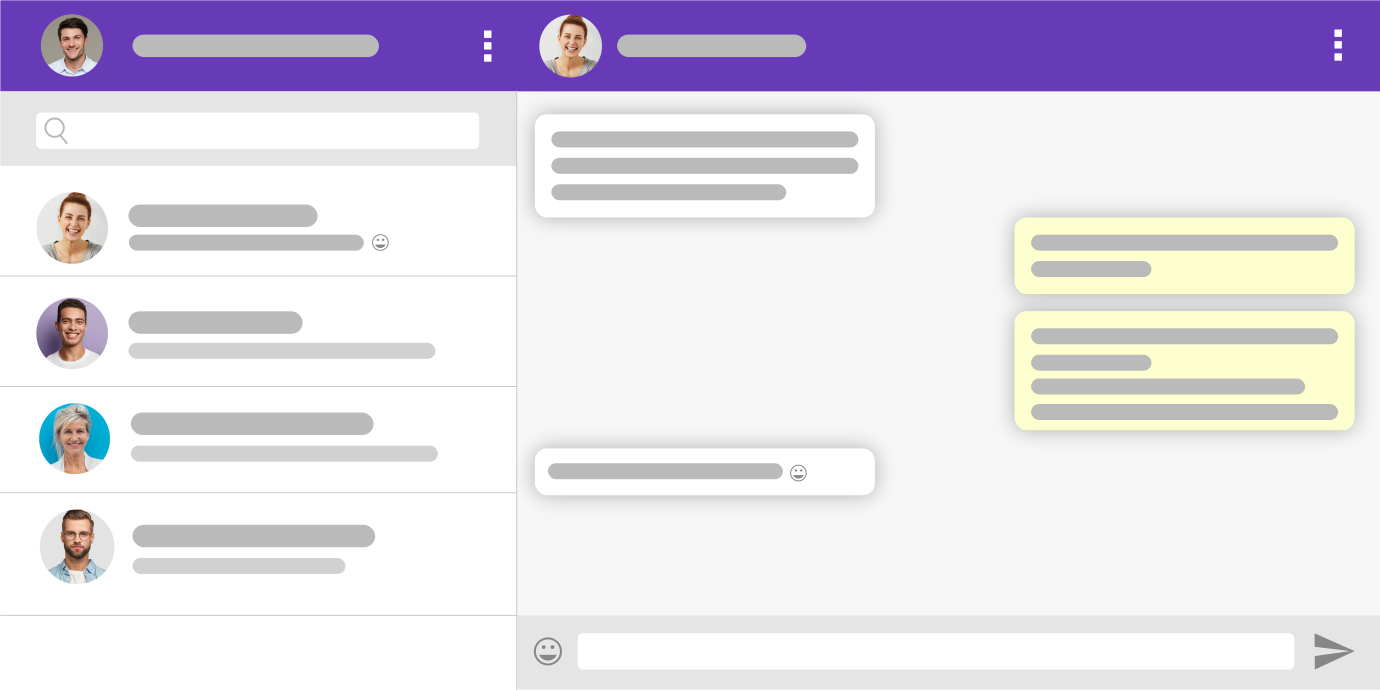
Home Office Is More than Chats and Video Calls
Many people think of home office in terms of tools like Microsoft Teams, Slack, or Zoom. In fact, over the past two years these little helpers have established themselves as standard solutions in the field of corporate communication.
But anyone who has once lost track of the countless chats knows: tools like these are very useful for mapping communication digitally, but they are barely any help when it comes to supporting business processes. This is where chats and video calls reach their limits. Business software for the home office is needed.
Good Business Software for the Home Office Supports All Key Business Processes
Work becomes better and above all more productive with an all-in-one software that allows all key business processes to be managed. A system like projectfacts is available online at any time and can be used in the office, in the home office, or on the go. It allows managers to plan and assign tasks, and employees to complete these work packages from home.
Good business software supports companies in a wide variety of processes:
-
Planning and managing tasks
-
Exchanging ideas within the team
-
Managing and looking after customers
-
Managing and billing orders
-
Managing personnel
Planning and Managing Tasks
Working from home means employees are separated by location and sometimes also by time. As a result, “on-demand” work is no longer possible. Instead, tasks must be planned and distributed in advance. projectfacts gives you the choice of whether you prefer to manage tasks in an agile or a classical manner.
Agile working
Whether Scrum, Kanban, or a custom solution — with the projectfacts boards you collect tasks and distribute them to your team. Entries on the board can be moved anywhere by drag & drop, thereby switching from one status to the next. Due dates, priorities, or notes can also be added. Tasks can be completed conveniently in the home office and then passed on.
» More on the topic “Agile working”
Classic project management
Plan and manage tasks using work packages. You can define the budget, timeframe, and person responsible for each work package. The responsible team member is notified automatically and sees an overview of all due work packages on their dashboard. Progress can be easily documented and completed packages marked as done. This keeps you and your team on top of things.
» More on the topic “Project management”
Exchanging Ideas Within the Team
Internal communication is extremely important for business success. Not without reason are tools like Microsoft Teams or Slack so popular. The projectfacts home office business software features numerous ways for your employees to exchange ideas with each other.
Team calendar
The team calendar gives you a quick overview of how your team is scheduled. If a colleague is sick or on holiday, this is also displayed. A shared calendar therefore saves you a great deal of time when arranging appointments. Invitations can be sent directly from the system. Projects, tickets, or a contact can also be linked directly to a calendar entry. This means you have all the relevant information for an appointment right at hand.
» More on the topic “Team calendar”
Open items
Want to quickly jot down a note or forward a task to a colleague? In the analogue world, a sticky note is often the tool of choice for this. Since sticky notes are simply practical, there is a digital alternative. In projectfacts they are called Open Items and can do quite a bit more than conventional sticky notes. Attach a file, a status, or a deadline, for example. This way you always have your notes and to-dos with you digitally, wherever you are.
» More on the topic “Open items”
Internal forum
Forums can be created in projectfacts for many elements, e.g. a project-related forum or a forum specifically about a customer. You also have the option of using the team forum as a news channel to share important information with your employees who are not currently in the office. Surveys are also possible via this channel.
» More on the topic “Internal forum”
Team chat
Via the integrated chat, your team can communicate directly about tasks, projects, or customers. Simply share what you want to discuss — without any uploading or downloading, just via a direct link. Naturally, your data remains protected and is processed in full compliance with GDPR.
» More on the topic “Team chat”
File management
Manage and archive your files online in projectfacts. Upload external files such as calculations or signed quotes to projectfacts. They can be linked directly to the element they belong to. Thanks to the cloud, your team can also access them from the home office.
» More on the topic “File management”
Internal wiki
The projectfacts wiki is the knowledge database in your company. Here you store important information and process descriptions for your team. Thanks to intelligent links, you will find the right help in the right place in the system. This saves you lengthy searching around, and even in the home office you always know exactly where you stand.
» More on the topic “Internal wiki”
Managing and Looking After Customers
You manage customers with your CRM database. There you will find all important data on your customers: contact and billing details, payment methods, and much more. Via an integrated ticket system, you always know which customer is contacting you when emails and calls come in.
Contact management
Here you will find all relevant customer data such as phone number, email, and postal address. A timeline lists all processes relating to the customer in chronological order: quotes, projects, invoices, and appointments. The complete contact history is available to your sales and support team — in the office, in the home office, or on the go.
» More on the topic “Contact management”
Service & Support
The integrated ticket system allows you to optimise your helpdesk. Incoming emails are automatically assigned to the appropriate contact and given a unique ticket ID. Organise requests using channels, assign them to employees, and use ticket statuses such as “open”, “in progress”, and “completed”. All processes relating to a ticket are automatically grouped together based on the ticket ID.
» More on the topic “Ticket system”
Acquiring new customers
Store prospective customers in your CRM and guide them through your digital sales funnel. Keep track of your sales opportunities using the extensive reporting options in sales controlling.
» More on the topic “Sales management”
Managing and Billing Orders
With suitable software you can map your entire document workflow digitally:
Create quotes > Create order confirmation > Send invoices
Creating quotes
Create quotes at the click of a button instead of writing them from scratch every time. projectfacts gives you the option of creating quote templates. This ensures that your quotes look consistent and professional. Line items can also be pre-filled, saving valuable time. Your customer’s contact details are transferred automatically. You can always find all your quotes in one overview.
» More on the topic “Quotation preparation”
Creating order confirmations
Once a quote has been accepted, convert it into an order with just one click, which you can send directly to your customer from the system. You also define in the order how you want to bill your services to the customer, e.g. with a payment plan or individual instalments.
» More on the topic “Order management”
Sending invoices
Once you have decided on a billing method, projectfacts creates the invoices automatically for you. You only need to send them to the customer via the system. Outstanding invoices can be viewed at any time. If a customer forgets to pay, a payment reminder or dunning letter is available at the click of a button.
Managing Personnel
With the help of the digital employee file, projectfacts supports you in many HR processes. You can also manage holiday and sick leave, travel expense reports, and much more easily from home.
Digital employee file
With the digital employee file you always have all information on your team at hand. Here you store contact details, employment contracts, working hours, holiday entitlement, hourly rates, and much more. This area is particularly protected and accessible only to authorised users. You can also access it securely from the home office.
» More on the topic “Personnel administration”
Working time recording
With working time recording you document your employees’ attendance times. Regardless of whether they are in the office, working from home, or on the go, your team can clock in and out at any time. Project hours can also be recorded with projectfacts and billed to the customer.
» More on the topic “Working time recording”
Holiday & sickness
In projectfacts your employees can submit holiday requests. These are reviewed by the responsible colleague and can be approved directly in the software. Sick notes can also be submitted directly in the software and the corresponding medical certificate uploaded if required.
» More on the topic “Absences”
Travel expense reports
With projectfacts, travel expense accounting is simple. Your employees photograph receipts directly and upload them to the software. There they can be approved individually or as a collective statement.
» More on the topic “Travel expense reports”
Work More Productively in the Home Office with projectfacts Business Software
In this blog post we have given a brief insight into the processes where business software like projectfacts can support you in the home office. If you are interested in trying out projectfacts yourself, you can access your free trial account here:
Do you still have questions or are you interested in specific features?
Simply get in touch — our consulting team is happy to help.