
Task management software for your team
Manage tasks in your team with projectfacts. Collect, distribute and complete to-dos easily with task management software.
Get to know us




The software for task management in your company
What is task management software? Task management software is a digital tool that teams use to collect, distribute, prioritise and track tasks centrally through to completion. It replaces scattered to-do lists and emails with a shared overview, so that everyone in the team knows what to do next.
In the digital task management of projectfacts, to-dos, work packages and appointments come together in one central place. This way, you manage tasks in your team in a structured manner and keep full oversight.
What needs to be done next, by when does it have to be finished and how much time is available? These are the most important questions for your employees when it comes to project work.
With projectfacts, everyone in the company knows what needs to be done next. With the intelligent task management software, you enjoy an overview of all tasks and can guide your projects safely to their destination. The smart system automatically warns you if the budget or planned time is exceeded.
Collect tasks
Collect tasks in projectfacts however you like: as work packages in a project, as to-dos on a list or as entries on a Scrum or Kanban board.
Distribute tasks
Assign processors and responsible persons to your tasks. This ensures that everyone knows exactly what needs to be done next. Due dates and alarms ensure that everything is completed on time.
Complete tasks
Simply tick off completed tasks or drag them to the "Done" column on your board. If you wish, you can also record the time or duration that the task took.
Your advantages with task management software
With task management software such as projectfacts, you structure your work in the best possible way and maintain a complete overview. You can also easily manage distributed teams online with centralised software.
Distributed collaboration
Thanks to cloud access, all your team members always have full access to your tasks, no matter where they are and what time it is. Coordinate directly online: in forums, via chat or with a Microsoft Teams meeting.
Structure tasks
Organise and prioritise your tasks quickly and easily. Assign a priority and designate processors and persons responsible. This way, everyone knows what needs to be done next.
Keep an overview
View the current status of your tasks live at any time. You can see who is currently working on what, which tasks are still open and which have already been completed.
Deliver results
Use due dates and alarms to remind yourself and your team of tasks that need to be completed promptly. This ensures that all tasks are completed on time.
Get started now with the task management software
Collect, distribute and complete tasks. With projectfacts, you ensure that everything is completed on time. Try it out right away and get started with your personal test account.
Enquire nowTools for your task management
Our task management software offers you a whole range of tools with which you can manage team tasks:
Scrum and Kanban boards
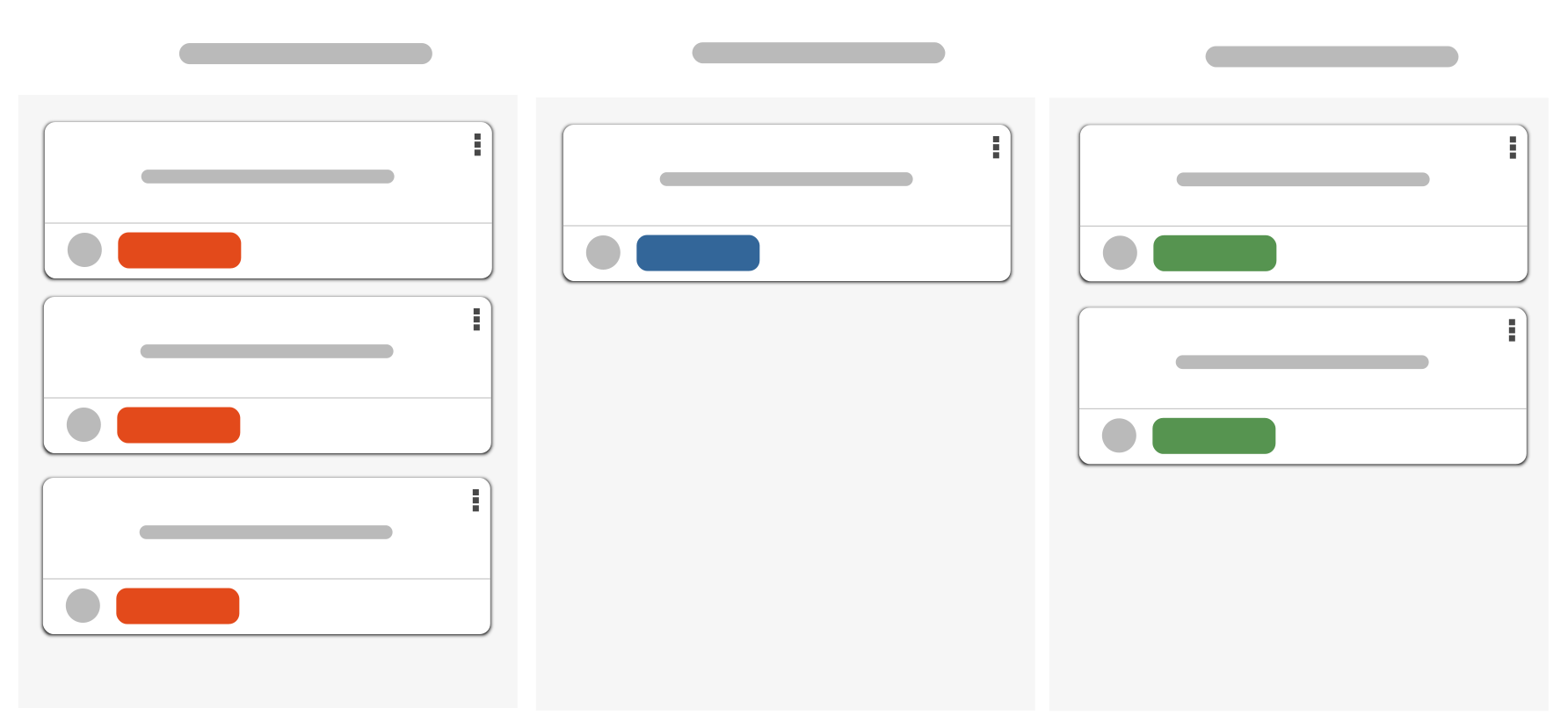
With Scrum and Kanban boards, you collect tasks, distribute them and make the current status of task management visible. Boards ensure that everyone in your team knows what they have to do next and what the other team members are currently working on. You can easily move individual tasks using drag & drop. This means you always know the current status of the task and who is working on it.
Open points
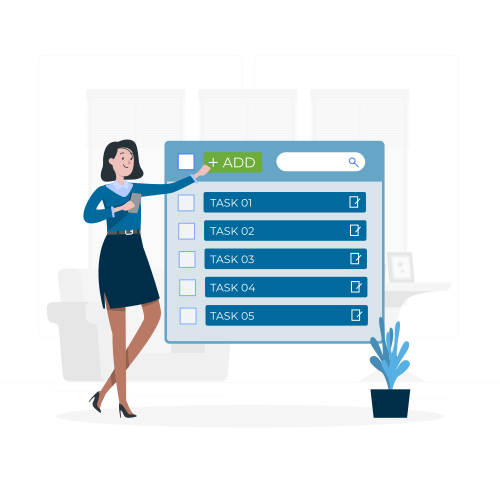
Open points are like sticky notes. Use them to collect tasks for yourself, your team or individual people. You can simply send them within the system. They can also be assigned a priority, a status, a description and file attachments. This makes them the ideal choice for spontaneous and smaller tasks.
YouTube blocked due to privacy settings
We use cookies and similar technologies on our website and process personal data about you (e.g. IP address), e.g. to personalize content and ads, to integrate media from third-party providers or to analyze access to our website. Data processing may also take place as a result of cookies being set. We share this data with third parties that we name in the privacy settings.
Data processing may take place with your consent or on the basis of a legitimate interest, which you can object to in the privacy settings. You have the right not to consent and to change or revoke your consent at a later date. Further information on the use of your data can be found in our privacy policy.
Are you under 16 years old? Unfortunately, you are not allowed to consent to this service yourself. Please ask your parents or guardians to consent to the service with you.
If you load the blocked content, your privacy settings will be adjusted. Content from this service will no longer be blocked in the future.
Project calendar
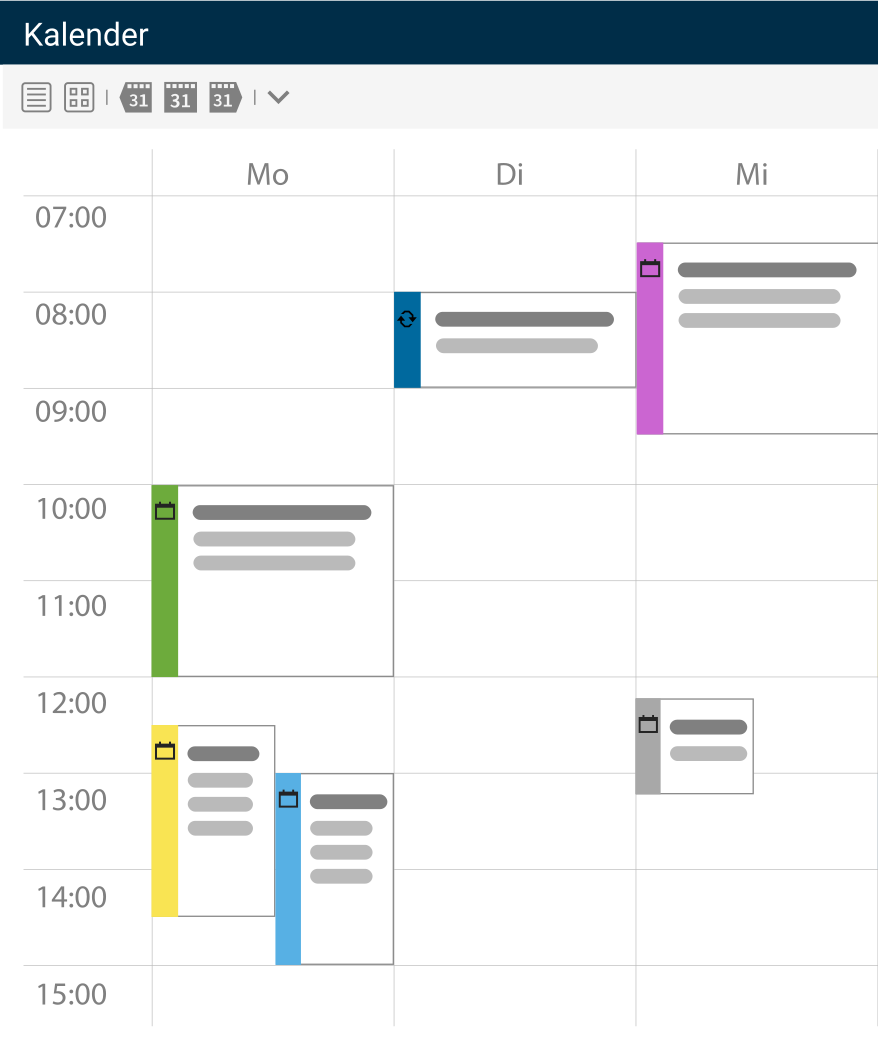
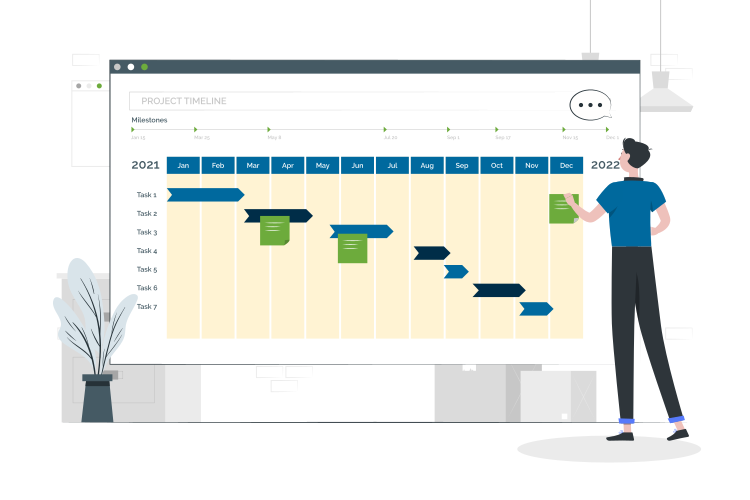
projectfacts has a fully functional online calendar. It is suitable as both a team and project calendar, as you can find both current project phases and important project events in it. Work packages can be transferred automatically. Your colleagues' appointments are also displayed. Use it to plan appointments and send out invitations for your team meetings.
Workflows
Use workflows to structure your team's work. Simply specify the individual work steps that are required for a specific task. After each completed step, your employees can change the status and hand the task over to a colleague, for example. This allows you to design workflows with maximum efficiency and your employees make the best possible use of their time. Task management for your employees optimised.
Manage your tasks easily online
Manage the tasks in your team the way you want and the way your team can work best. With projects, boards or lists, you are guaranteed to always find the right tool.
Enquire nowTask management for your projects
Define responsibilities
For projects to be implemented successfully, tasks and responsibilities must be clearly defined. With task management software such as projectfacts, you have the option of flexibly distributing all tasks among your team members. This means that all your employees always know their tasks and responsibilities.
Assign tasks to employees or teams
When you plan your projects, you can assign the resulting work packages to individual employees or entire teams. Add further details to the tasks, such as start and end time and time budget. In the smart task management tool from projectfacts, you can also store additional information and/or files relating to the project or task.
Task management at a glance
Ideas and to-dos
Collect tasks and ideas quickly and easily
Distribute tasks
Assign tasks in your project team
Time tasks
Prioritise tasks and complete them on time
Still have questions? We have the right answer!
Give us a call, send us an e-mail or take a look at our FAQ section! We will be happy to answer your questions!