
News at projectfacts
In our company blog you will find everything you need to know about digitalization and projectfacts
projectfacts now works with AI
Since release 2026.3, AI features are part of projectfacts. The first two take reading off your hands: they summarise long ticket histories and analyse your reports. On top of that comes the MCP server for Claude and ChatGPT.
News Marvin Halter
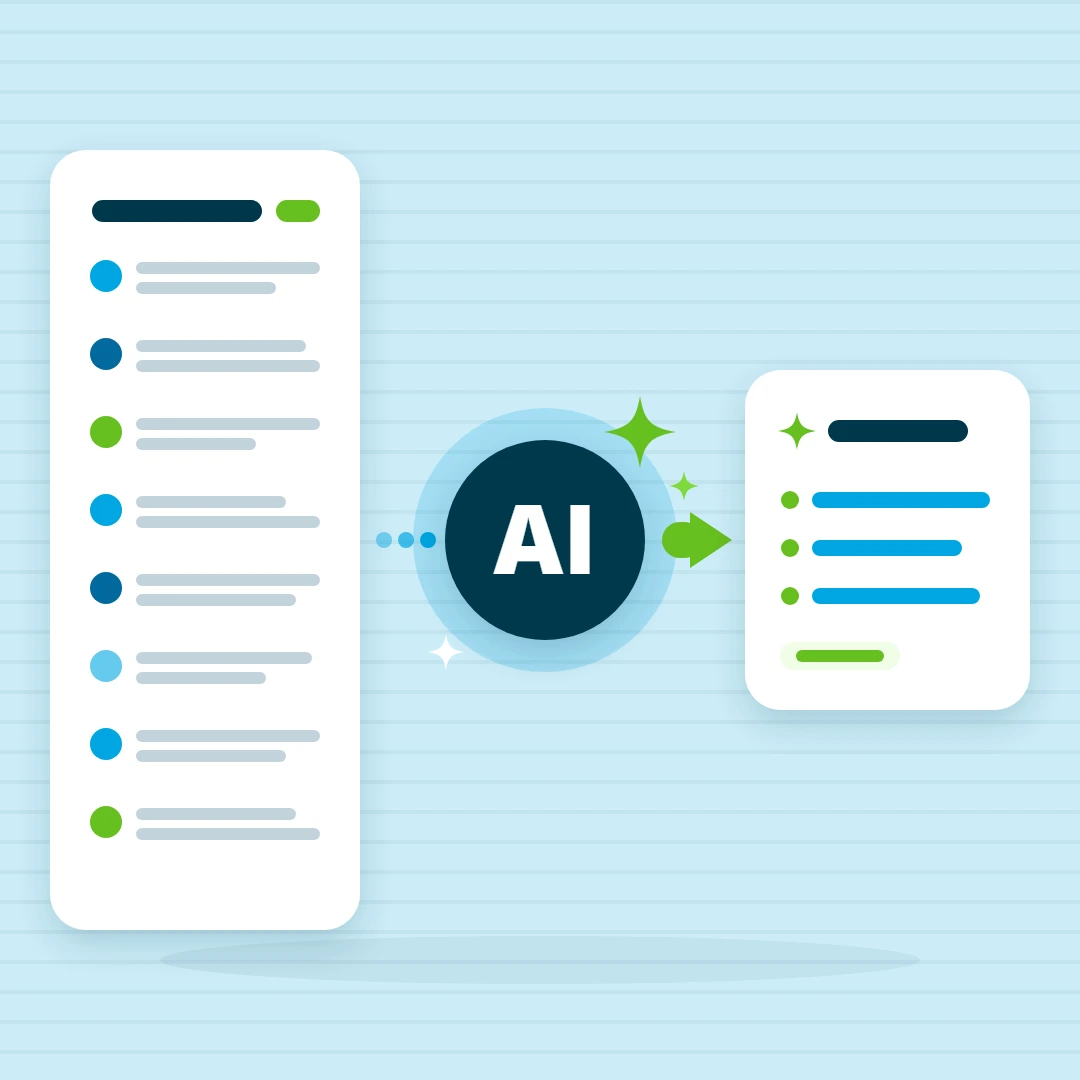
Does projectfacts have AI features?
Yes, projectfacts works with AI. Since release 2026.3 the first AI features are included: they summarise long ticket histories and analyse reports. Both run on your own AI access, which your administrator sets up once, only on request and within your permissions.
We deliberately took our time with AI. Adding a feature quickly is not difficult. Adding it so that security holds up and you keep control over your data is another matter. That was the condition, and now we are there.
What the AI in projectfacts can do today
Summarising long ticket histories
A ticket with forty entries turns into a few sentences: the overall picture, the decisions taken, the open questions and the current status. You start this with the “Create AI summary” action. The individual entries stay untouched, the summary simply sits on top of them. It does not replace the history, it saves you from reading all of it.
Analysing reports
Whether it is a timesheet overview, a billing analysis or a project evaluation: the AI reads the report and points out anomalies, trends and places where a second look pays off. The figures are still calculated by projectfacts, following the rules you have set. The AI reads along and offers hints.
What this gives you
- Back up to speed quickly: anyone taking over a ticket or returning from holiday sees at a glance what has been decided and what is still open. Before a customer call, the open questions are there in one place.
- A second opinion on your figures: the AI points out things in reports that are easy to miss when skimming.
- No extra data entry: the AI works with the data that your day-to-day work already creates in projectfacts. There is nothing additional to maintain.
Your AI, your data
projectfacts does not come with a language model of its own. Your administrator connects the AI access you want to use, either with a provider on the internet or with a model in your own data centre. In doing so you also decide how much text the model gets to see, and therefore which data leaves the house and what it costs.
As long as no access is stored, the AI features do not appear at all. After that, each feature is enabled individually. How the connection is set up is described step by step in the Help Center.
Three principles apply throughout. The AI does not run in the background, only when someone calls it. It does not complete records and does not issue invoices, it stays in a supporting role. And it never shows anyone something they are not allowed to see in projectfacts anyway, because your permissions continue to apply unchanged.
What the connection looks like in detail, and what to consider with a model hosted in house, is explained on the page AI features in projectfacts.
The other way round: projectfacts in your AI chat
These two features bring AI into projectfacts. It also works in the other direction: through the MCP server you connect ChatGPT or Claude to projectfacts and ask your questions right in the chat, with the permissions you already have. How that works is described in the post Connecting projectfacts with ChatGPT and Claude.
Frequently asked questions about AI in projectfacts
Which language model does projectfacts use?
projectfacts does not come with a language model of its own. Your administrator connects the AI access you want to use, either with a provider on the internet or with a model in your own data centre. You also decide how much text the model gets to see. The setup is described in the Help Center.
Does the AI see all data in projectfacts?
No. The AI works with the permissions of the user who calls it, and it does not run in the background, only on request. It never shows anyone something they are not allowed to see in projectfacts anyway, and it does not complete any records.
Try out AI in your day-to-day work
Would you like to get to know the new features at your own pace and find out which AI service suits your requirements? We are happy to talk that through in a first conversation and look together at where AI really saves work in your business.