
News at projectfacts
In our company blog you will find everything you need to know about digitalization and projectfacts
Connecting projectfacts with ChatGPT and Claude
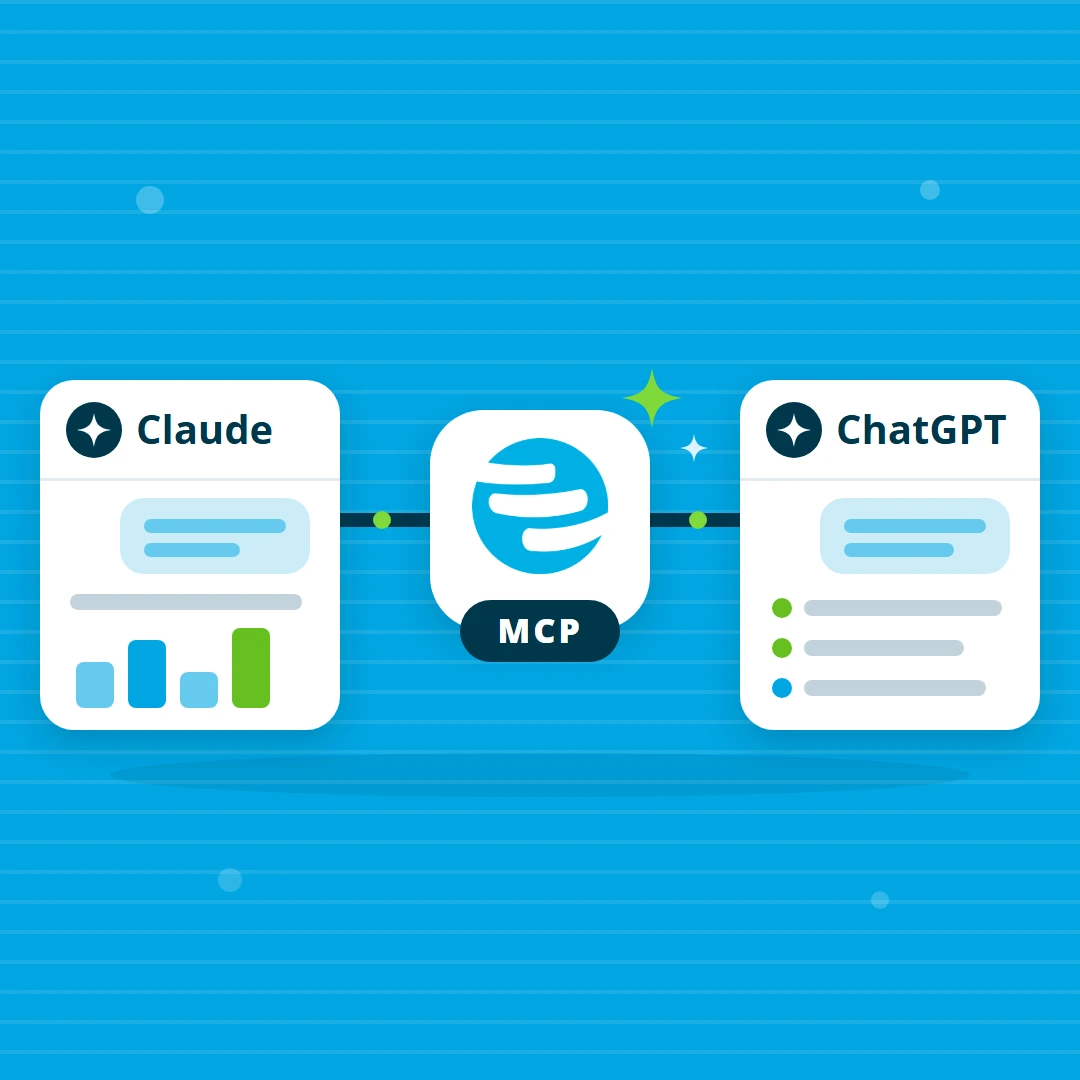
Since release 2026.3 you can connect projectfacts to your AI chat and use it there: ask in plain language about projects, hours or customers and get the answer from your own data, even when no report exists for it.
News Marvin Halter
Can I connect projectfacts to AI?
Yes, you can connect projectfacts to an AI chat. Since release 2026.3, projectfacts comes with an MCP server: your administrator enables an access, and from then on ChatGPT, Claude or another assistant works with your data, always with the permissions of the signed-in user. MCP stands for Model Context Protocol, the open standard that lets AI applications talk to other systems.
The questions this answers
The real gain is not the questions that already have a report. It is the other ones: the questions that come up in day-to-day business and that nobody built an evaluation for in advance.
- “Which projects have used more hours than planned this month?”
- “Which customers still have revenue outstanding even though the work is done?”
- “Which tickets have had no response for more than two weeks?”
- “How many hours did the team book on maintenance contracts in September?”
A report answers the question someone anticipated when setting it up. An assistant answers the question you have right now, and it can carry on working with the answer straight away.
What it looks like in the chat
“Which projects have used more hours than planned this month?”
The assistant fetches the current figures from projectfacts and names the affected projects, without you opening an evaluation.
“Please create an open item for Anna, due on Friday.”
The open item then sits in projectfacts, on the right project and with the right responsibility.
This example needs two things. First, a suitable MCP access is enabled for you, and for the open item one with writing tools, which your administrator deliberately keeps narrow. Second, you are allowed to see the project figures and create open items in projectfacts itself. Nothing goes through MCP that you would not be allowed to do directly in projectfacts.
What this gives you
- Asking instead of searching: you phrase the question instead of clicking through filters and reports.
- Working where you already work: anyone who spends a lot of time in an AI chat does not have to switch applications for a quick question.
- Your permissions apply in the chat too: the assistant only sees what you are allowed to see. You do not need a second permission concept.
- No development effort: your administrator sets the accesses up in the configuration. Nobody has to write code for it.
There are no extra permissions
This is the most important sentence on the subject: an MCP access can never do more than the user who uses it. The permission check in projectfacts does not sit in the assistant but in the system itself, and it cannot be switched off. Sign-in runs via OAuth, so passwords are never passed on to the assistant.
One access per task
Instead of one large access for everything, your administrator creates several small ones, for example for sales, HR or projects. Each access has its own address and its own selection of tools. Reading tools are the normal case, writing tools the justified exception. Someone working with the assistant in sales therefore sees no HR data, not even by accident.
If you would rather build a small application on your data yourself, the REST API is the right route, and on vibe coding we describe how your own apps come out of it with little effort.
And AI directly inside projectfacts? Since 2026.3, projectfacts also summarises long ticket histories and analyses reports. More on that in the post projectfacts now works with AI.
Frequently asked questions about the connection
Which AI assistants can be connected?
In principle any assistant that supports the Model Context Protocol with sign-in via OAuth. We have tested with Claude, ChatGPT on the web, Cursor, Codex and Visual Studio Code, among others.
Can the AI assistant see more than I can?
No. An MCP access can never do more than the user who uses it. The permission check sits in projectfacts itself and cannot be bypassed. Two colleagues asking the same question therefore get different answers if they have different permissions.
Try it out with us alongside
We are happy to plan together which accesses make sense for your departments. If you then want to click through it yourself, you get a guided environment to try things out. How an access is set up and tailored is described in the Help Center, where you will also find the dates of our open office hours.