
Your sales planning software
Plan your sales, forecasts and territories flexibly with the sales planning software from projectfacts. Test now!
Enquire nowWhat is sales planning?
Sales planning is the process by which companies define their sales targets, sales volumes and sales concept in advance for a given period. Sales planning software maps this process digitally: it brings together sales opportunities, quotations, resubmissions and the sales forecast in one place, so that planning and implementation go hand in hand.
What good sales planning software covers
- Digitally map the sales process from the sales opportunity to the quotation
- Resubmissions for the systematic follow-up of leads and trade fair contacts
- Create, send and track quotations directly from your planning
- Sales forecast and sales volume planning based on real sales data
- Sales controlling and a sales funnel for ongoing evaluation
Optimise the sales process
For your sales staff to be successful, they need one thing above all: an optimised sales process. With projectfacts, you achieve exactly that.
If your sales team works with many sales opportunities in parallel, good sales planning is the be-all and end-all. Our software for sales planning makes your life as easy as possible …
- … by making all relevant information available to you live and clearly arranged
- … by directly providing you with suitable options for action
Advantages of sales planning software
Plan activities
Use the campaign tool in projectfacts to plan sales activities in advance. Assign key account managers and create appointments. You can effectively follow up open enquiries with resubmissions. This way, you will no longer miss any leads in future and successfully convert prospects into customers.
Shaping sales
The timeline for each customer gives you a complete contact history at a glance: you see appointments, tickets, projects and much more. This means you are always well informed when dealing with customers. New quotations can be generated and sent directly from the software.
Analyse success
In projectfacts, you can carry out your [sales controlling](/sales-management/) live and data-driven thanks to numerous individual reports. Rely on data and facts instead of pure gut feeling. The software shows open potential and helps to increase successes and avoid failures.
Manage customer contacts
All information is collected in this folder. Call logs, enquiries, contact information or quotations that have already been made are directly visible. You can create a separate sales opportunity for each new revenue opportunity. With this knowledge, you are perfectly prepared for the next sales meeting.
- Build your own CRM customer database
- View all information about a customer (contacts, addresses, receipts) in one central location
- Create sales opportunities for prospects and plan your sales activities
Create and track quotations
The quotation is a central component of your sales management. A convincing quotation is the basis for new orders and increasing sales. For this reason, creating a quotation must be quick and easy.
In the software, sales planning and implementation go hand in hand. You create quotations directly in the system and can send them immediately. You have a free hand in designing your quotation and can also work with individual templates to save time.
The quotations created are stored with the contact and in the sales opportunity and can be viewed there at any time. All your quotations are also collected in a central list. This means you always have a complete overview of your quotation and order situation. And you see directly where you need to follow up.
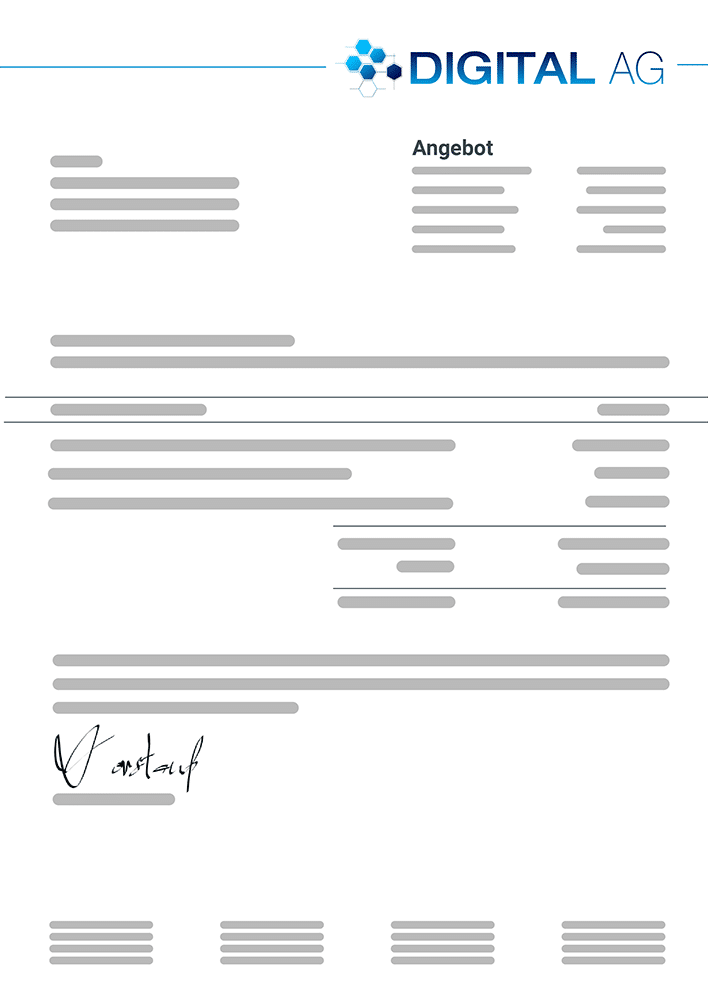
- Design and send quotations quickly, easily and individually
- Keep an overview of current quotations and orders
- Follow up with prospects in good time and in a targeted manner
1
**Create resubmissions**: Create resubmissions easily in the system and have yourself reminded of processes relating to a campaign or a customer. For example, you can follow up trade fair contacts in a targeted manner.
2
**Prioritise & structure**: Assign a priority to resubmissions. You can also change the status, e.g. from "open" to "completed". Filter and sort options let you keep an overview.
3
**Edit resubmissions**: Work through resubmissions systematically. With telephone lists, you jump directly to the contact and see all relevant contact data, such as the telephone number. This saves you valuable time.
4
**Document processes**: You can document call attempts in a telephone list directly in the software with date, time and note. You also see the number of contact attempts clearly in each resubmission.
Effective sales controlling
Increase your sales with the sales funnel in projectfacts. It is good if you can rely on your gut feeling. But even experienced salespeople need an overview of their sales work.
The sales funnel is also important for sales controlling: are you receiving enough enquiries? Which sales opportunities have been won and which have been lost? Transparent sales work will make you even more successful.
The software also provides you with an overview of your sales team. In this view, you can read at a glance the status of your key accounts and sales opportunities. You also see current quotations and orders. The breakdown by employee makes it easy to identify which sales staff have worked particularly successfully.
The sales funnel, known in German as Vertriebstrichter, is the right tool for this. It shows the individual stages of your sales process graphically. A report shows you in detail how many prospects are currently in which phase. This way you know exactly which sales opportunity is about to close and where you need to stay on the ball.
Would you like to focus on ongoing evaluation and control? Our sales management software shows you the right tools for this, such as the sales funnel and reports.
Digitise your sales planning and request your projectfacts test account
Optimise sales planning, from anywhere, at any time. See for yourself and test projectfacts!
Enquire nowSales planning at a glance
Digitise and optimise
Sales processes from quotation preparation to resubmission
Directly in the software
Create quotations for current sales opportunities
Individual reports
Comprehensive and data-supported online sales planning
Sales teams on the ball
Resubmissions remind you of upcoming contact attempts
For your sales staff
Central contact management and automatic documentation
Still have questions? We have the right answer!
Give us a call, send us an e-mail or take a look at our FAQ section! We are happy to answer your questions!