
Kanban board software for your working day
Use our tool and digital Kanban boards to organise your company's tasks, projects and workflows – online and via drag and drop. Test now!
Enquire now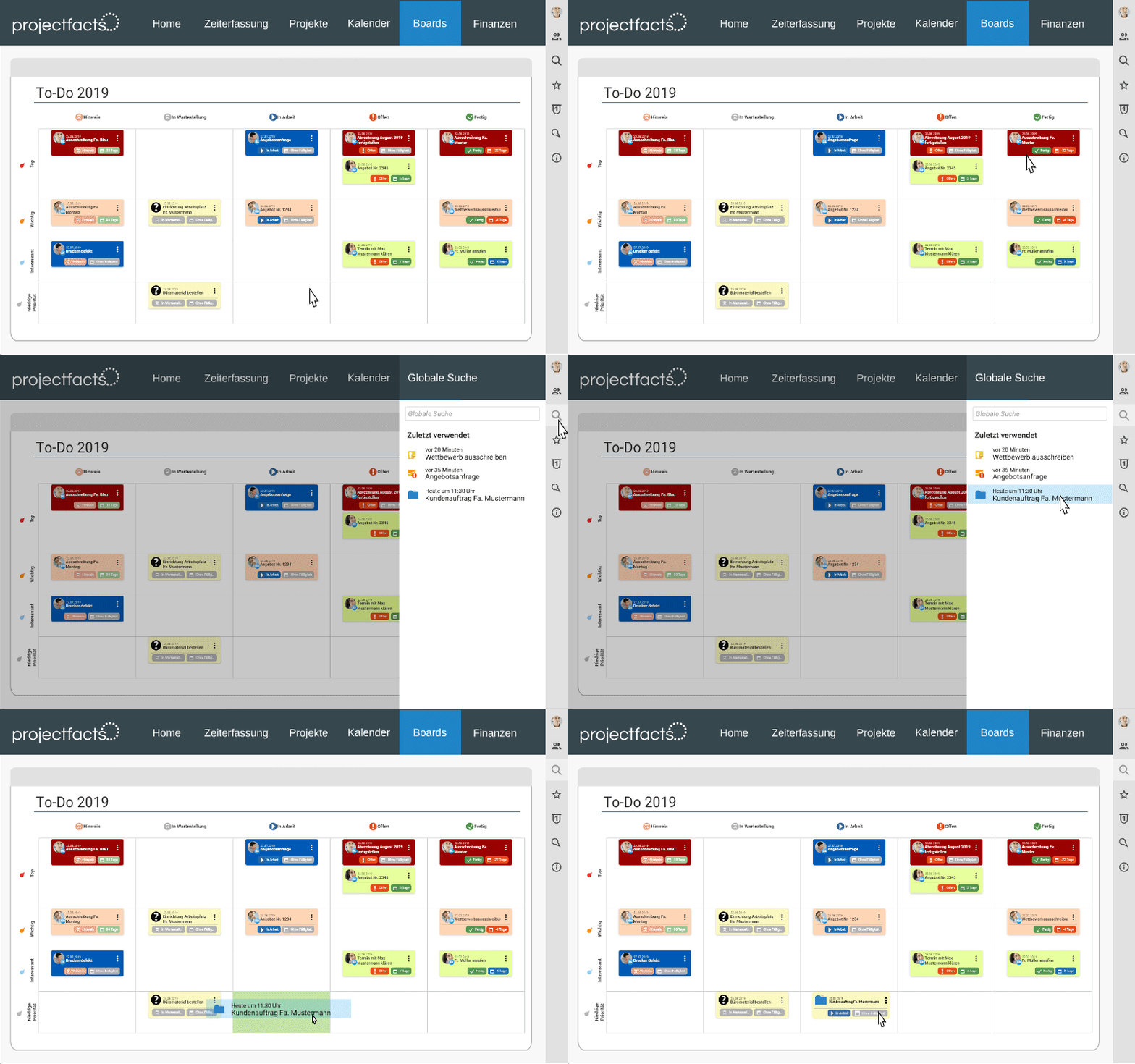
Agile working with Kanban boards
A Kanban board is a visual board on which tasks are arranged as cards in columns such as "Open", "In progress" and "Finished". This makes work progress visible at a glance and lets you control it via drag and drop.
Get a playful overview of your day-to-day work with the digital Kanban boards in projectfacts. Yellow slips of paper or long to-do lists are a thing of the past.
The Kanban boards in projectfacts are seamlessly integrated into the system. You can organise and process all tasks, to-dos, appointments or projects in the board. You can do all this with just a few clicks or intuitively via drag and drop.
If you want to organise yourself with several people on the board, you can add more colleagues. This creates transparency and motivation. With the integrated board history, you can also see which changes were made when and by whom.
Advantages of the tool for Kanban boards
Collect and complete to-dos
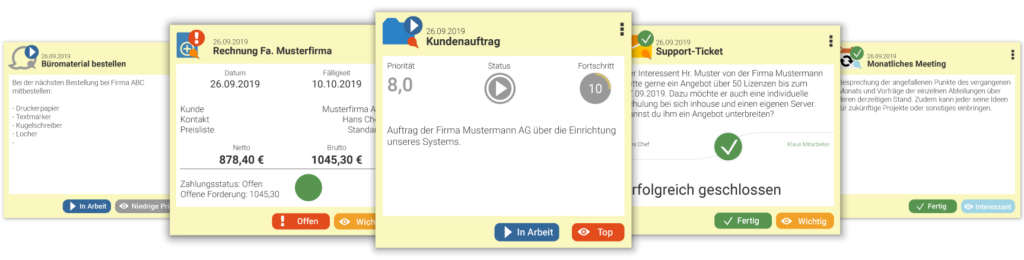
Pin to-dos or elements such as tickets, invoices or open items to your Kanban board. One click takes you to the assigned element. This allows you to organise tasks effectively and clearly.
Easy handling
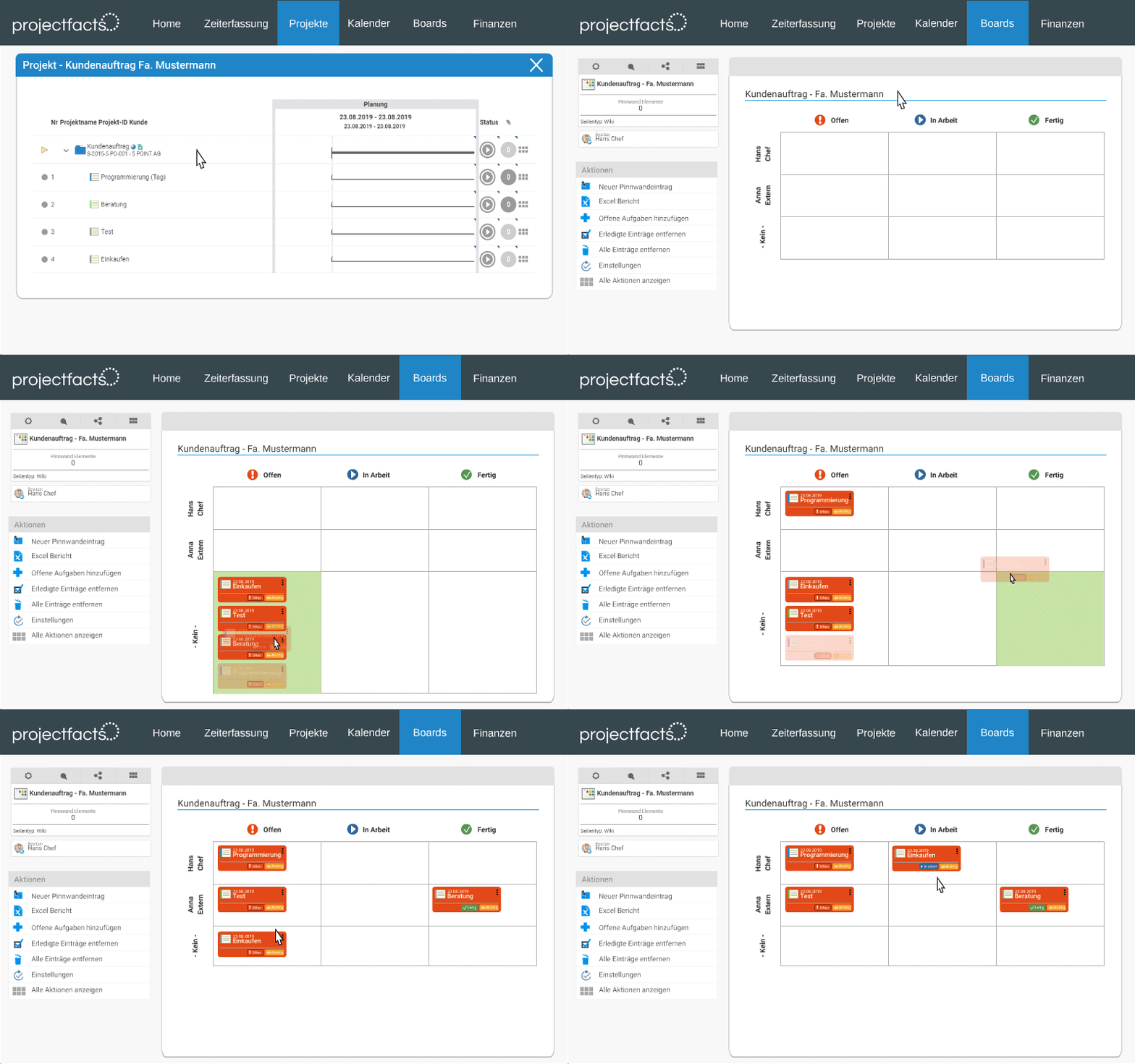
New elements can be added to the Kanban board directly via drag & drop. Existing elements can be dragged from column to column in the same way. This makes it child's play to change the status of your to-dos.
For teams and projects
Kanban boards are ideal for working in teams. Thanks to shared online access, all team members are always up to date and projects can be worked on effectively.
Kanban boards – tool for self-organisation and teamwork
Versatile in use
The Kanban boards are versatile. You can create your own board to work through your daily to-dos or small projects. The board is also ideal for organising your team. You can also combine the two and create a customised board for any purpose. The rows and columns of your board can be customised according to your wishes, e.g. by status and employees.
Organise work effectively
Your entries can simply be moved to the next status on the boards using drag and drop or assigned to a colleague. You can also prioritise your cards and tasks or categorise them with colours and tags. The Kanban boards make your task management simple, flexible and clear. This allows you to work more efficiently and always have an overview of your open tasks.
The benefits of Kanban tools for projects
Combine the strengths of the work breakdown structure with the advantages of agile working. While many tools rely on either classic or agile project management, projectfacts combines both methods.
In projectfacts, you can therefore decide each time how you want to work through your project. What's even better is that as soon as you have linked your Kanban board to an existing project, new project tasks are automatically transferred to the board. With projectfacts, you always work in an agile way, even if you don't want to do without traditional project management.
Flexible thanks to Kanban software
Kanban boards help you organise and structure your day-to-day work. It doesn't matter what exactly you have to do. This is because the Kanban boards can be applied to all elements in projectfacts. With just a few clicks or by dragging and dropping, you can move the elements to the relevant board. Or you can simply create small tasks directly in the boards. You can create your own Kanban to work through your to-do's in just a few minutes.
About the Kanban method
Kanban is one of the trends in today's working world – smart, modern and flexible. The method, which originated in Japan, is already half a century old. The term Kanban combines the words "see" and "board". It quickly becomes clear what the focus of this method is.
One of Kanban's great strengths is its wide range of possible applications. Originally developed for the optimisation of production processes, Kanban can now be used for almost all types of tasks.
Goals
Kanban aims to control processes more efficiently with the help of visualisation.
The classic Kanban board consists of a board with a few columns. As a rule, these are divided into "Open", "In progress" and "Finished". Nowadays, there are several variations of the boards, which makes this method even more versatile.
Application
Kanban boards are used to present a process in a simple and transparent way. Tasks are defined and assigned to the respective columns and people using cards. The result is a clear representation of the work progress. It is always possible to see which tasks have already been completed and which are still open. This creates transparency and motivation.
Principles
The primary goal is to avoid multitasking or work overload. For this reason, the number of tasks in progress at any one time must be limited. Kanban calls this the Work in Progress Limit (WIP limit). Communication is also very important. Short and regular meetings in which status, success and problems are discussed have proven effective.
Advantages of agile working with Kanban tools
Motivation
Increased employee motivation
Transparency
Visualisation of processes
Focus
Defined tasks
Wide range of applications
Also for routine tasks
Target achievement
Improved
Flexible use
As an individual or as a team
Digitise your Kanban boards – quickly & easily with projectfacts
With the Kanban board software from projectfacts, you always have all your tasks, to-dos and projects directly in view. Drag your cards from column to column via drag and drop and work flexibly and in an agile way. See for yourself and test projectfacts!
Enquire nowStill have questions? We have the right answer!
Give us a call, send us an e-mail or take a look at our FAQ section! We will be happy to answer your questions!