
Timesheet and proof of hours: the software for activity reports
With the projectfacts timesheet software, you create, check and send proof of hours and activity reports. Document your employees' working hours at the customer's premises.
Enquire now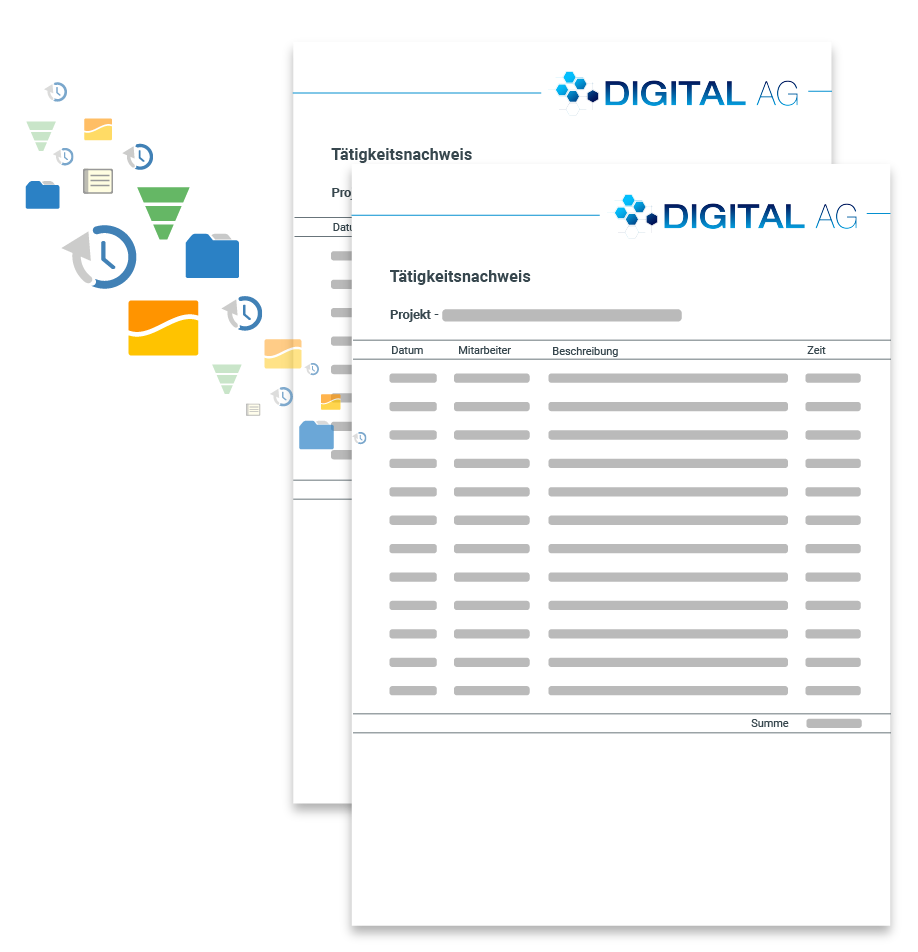
The software for timesheets
Often, times recorded by employees have to be checked and approved internally. This is frequently done using a classic Excel spreadsheet. The improvised timesheet is given the columns 'Date', 'Activity' and 'Time', and that's it.
Leave spreadsheets like these behind and switch to an automatic solution for your timesheets. Software makes your life easier. projectfacts creates timesheets and activity reports automatically. Activities performed are listed with the correct date, a description and their duration.
What is a proof of hours?
A proof of hours, also known as a time record or statement of hours, is a structured breakdown of the working time performed, documenting the date, activity and duration for each employee. It serves as evidence towards the employer, customers and auditors, and forms the basis for approval and billing.
While a timesheet initially captures the times, it becomes a binding record once it has been checked and approved as a proof of hours. Created digitally, an online proof of hours covers all booked times without gaps and can be attached directly to the invoice as an activity report.
Digital proof of hours or Excel and paper?
Whether a proof of hours holds up with the customer, in accounting or during an audit depends on how completely and traceably it is created. The comparison shows why a digital proof of hours is ahead of the paper slip and the Excel spreadsheet.
Digital proof of hours with projectfacts
- Times are recorded automatically with date, activity and duration
- Integrated approval process by supervisors before billing
- Complete, traceable documentation as an activity report
- Central storage, developed and operated in Germany, GDPR-compliant
Excel spreadsheet or timesheet on paper
- Times are entered by hand, transposed figures go unnoticed
- Approval and checking happen by email or word of mouth, without a fixed process
- Subsequent changes are barely traceable
- Templates are scattered around, a central evaluation is missing
Our triad of time recording, proof of hours and hourly billing
Time recording
The integrated time recording in projectfacts lets your employees document attendance times accurately at any time. They simply log in and out again online, on mobile or at the terminal.
Proof of hours
Recorded attendance times can easily be booked to projects and work packages. This means you know exactly who completed which task and when. The ideal basis for a complete proof of hours.
Hourly billing
The software handles the clean documentation for you. Whenever a new invoice can be issued, the system reminds you automatically and compiles all items for the invoice correctly.
The software for timesheets and activity reports
Simplify your accounting processes with a complete solution for time management: documenting, checking and verifying times is quick and easy online with us.
Enquire nowEasily document and verify working hours
Timesheets (sometimes also called report sheets) document work performed in a specific period. Employees enter their working hours manually into predefined tables, i.e. the timesheet.
These tables provide, for example, a monthly overview of an employee's activities. They primarily serve to prove and evidence performance towards the employer.

Time recording
With projectfacts, you simplify time recording. Instead of entering working hours manually into tables, they are recorded automatically. Use our online time recording software for this.
Your employees record working hours simply via the web app and book them to the associated activities. The times are collected and noted automatically on the timesheet. You can also distinguish between internal and external times.
- Integrated time recording – online, mobile and at the terminal
- Record attendance times automatically and book them to projects
- Distinguish between internal and billable time if you wish
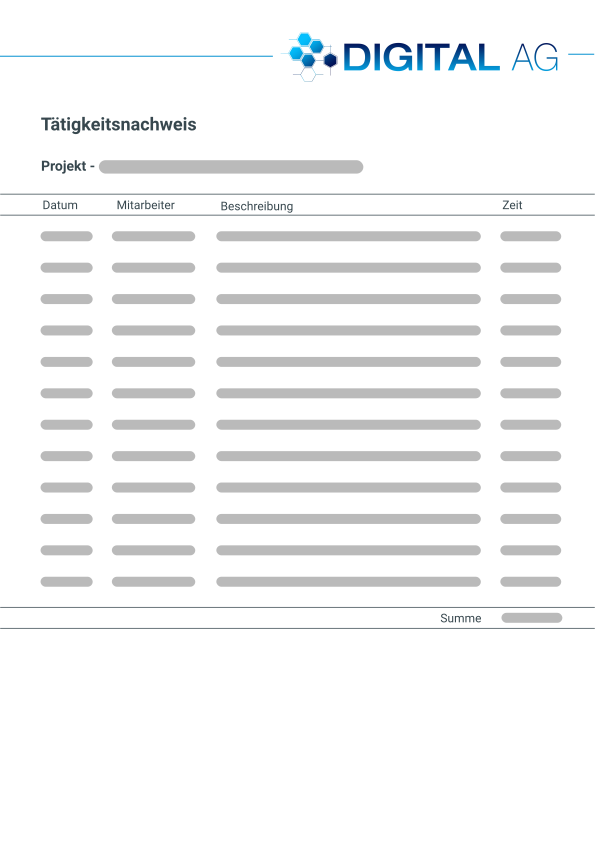
Activity report
How do you minimise the effort of recording and checking? How do you approve times neatly collected for billing? projectfacts provides the right answers. The timesheet software integrates your processes without interfaces.
Automatic recording and simple documentation allow working hours to be evidenced transparently. But it is not only you as an employer who benefits from proof. Customers often want to receive proof of the work performed too. Timesheet software helps you with this as well.
- No more double work thanks to the timesheet software
- Booked employee hours are compiled automatically, online too
- Clear presentation in your own layout and corporate design
Approval and hourly billing
Times on the timesheet often have to be approved internally before they are billed. projectfacts provides you with a suitable process solution for this as well.
Approval process
Timesheets frequently need to be checked before they are approved for billing. In projectfacts, you simply submit report sheets to a supervisor for review. The reviewer can adjust the times as needed. Once the times have been checked, you invoice the customer with the activity report attached. This way, recording, checking and billing are integrated into your time recording software and offer real added value.
Hourly billing
What actually happened during the billed time? This question is of interest not only for the internal control process, but also for the customer. From the booked project times, the software automatically generates an invoice. The activity report can be attached directly to the invoice. It shows information about the person responsible, the time performed and the exact activity.
Test the solution for your timesheets
Reduce the workload for your employees with a digital solution for time management. Work can be documented easily and, if desired, collected in an activity report.
Enquire nowTimesheets at a glance
Create online
Create timesheets online
Complete workflow
From time recording to hourly billing
Checking & approval
Internal or external approval of booked times
Layout with your own design
Proof of performance with date, booked time and description of the task
Complete documentation
Complete documentation for your customers thanks to proof of performance
Still have questions? We have the right answer!
Give us a call, send us an email or take a look at our FAQ section! We are happy to answer your questions!